How QR Codes Make Hospitality Services More Convenient
To create QR code for link, video or image - click on button below.
Generate QR Code
To create QR code for link, video or image - click on button below.
Generate QR Code
Create
QR Code Now!
Put your QR code link, add name for your QR, select content category and generate!


QR codes can support different stages of the guest journey, from planning a trip and checking in to exploring local attractions and sharing feedback after a stay. The best use cases depend on the type of hospitality business and the information guests need at each stage.
| Use Case | Where to Place the QR Code | Benefit for Guests |
|---|---|---|
| Digital menus | Hotel rooms, restaurant tables, and lobby areas | View menus and access food or drink information on a smartphone |
| Wi-Fi access | Reception desks, guest rooms, and common areas | Connect to the network without manually entering the password |
| Tourist maps | Reception areas, brochures, and information boards | Open maps and explore nearby attractions or walking routes |
| Guest instructions | Near appliances, equipment, and in-room amenities | Find instructions for using facilities and equipment |
| Online check-in | Booking confirmations and reception areas | Access check-in forms or relevant registration information |
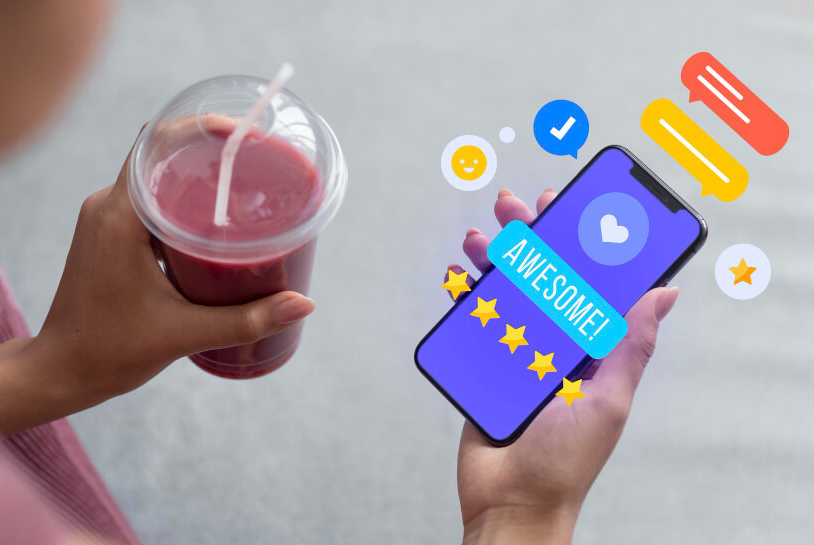
| Guest reviews | Receipts, room cards, and checkout areas | Open a review page and share feedback |
| Contact information | Business cards, brochures, and reception desks | Find contact details or reach the appropriate department |
| Social media | Printed promotional materials and event displays | Visit the property's social media profiles |
| Local recommendations | Guest rooms and concierge desks | Discover restaurants, attractions, and activities nearby |
| Promotional offers | Reception areas, restaurant tables, and flyers | Explore available services, packages, or special offers |
To make these QR codes useful, connect each one to a relevant destination and explain what guests can expect after scanning it. Use clear calls to action, such as "Scan to connect to Wi-Fi" or "Scan to explore local attractions." Check that the linked pages work well on mobile devices and keep the information up to date.


QR codes help hotels, restaurants, and tourism businesses provide quick access to digital menus, Wi-Fi networks, check-in forms, guest instructions, tourist maps, and feedback forms. They make useful information easier to access on a smartphone.
Hotels can place QR codes in guest rooms, at reception desks, and in common areas to share Wi-Fi details, room service menus, facility instructions, local recommendations, and contact information. This helps guests find relevant information without having to ask staff for every detail.
Yes. A QR code can link to an online check-in form or a hotel booking system that supports digital registration. The actual check-in process depends on the hotel's software and procedures.
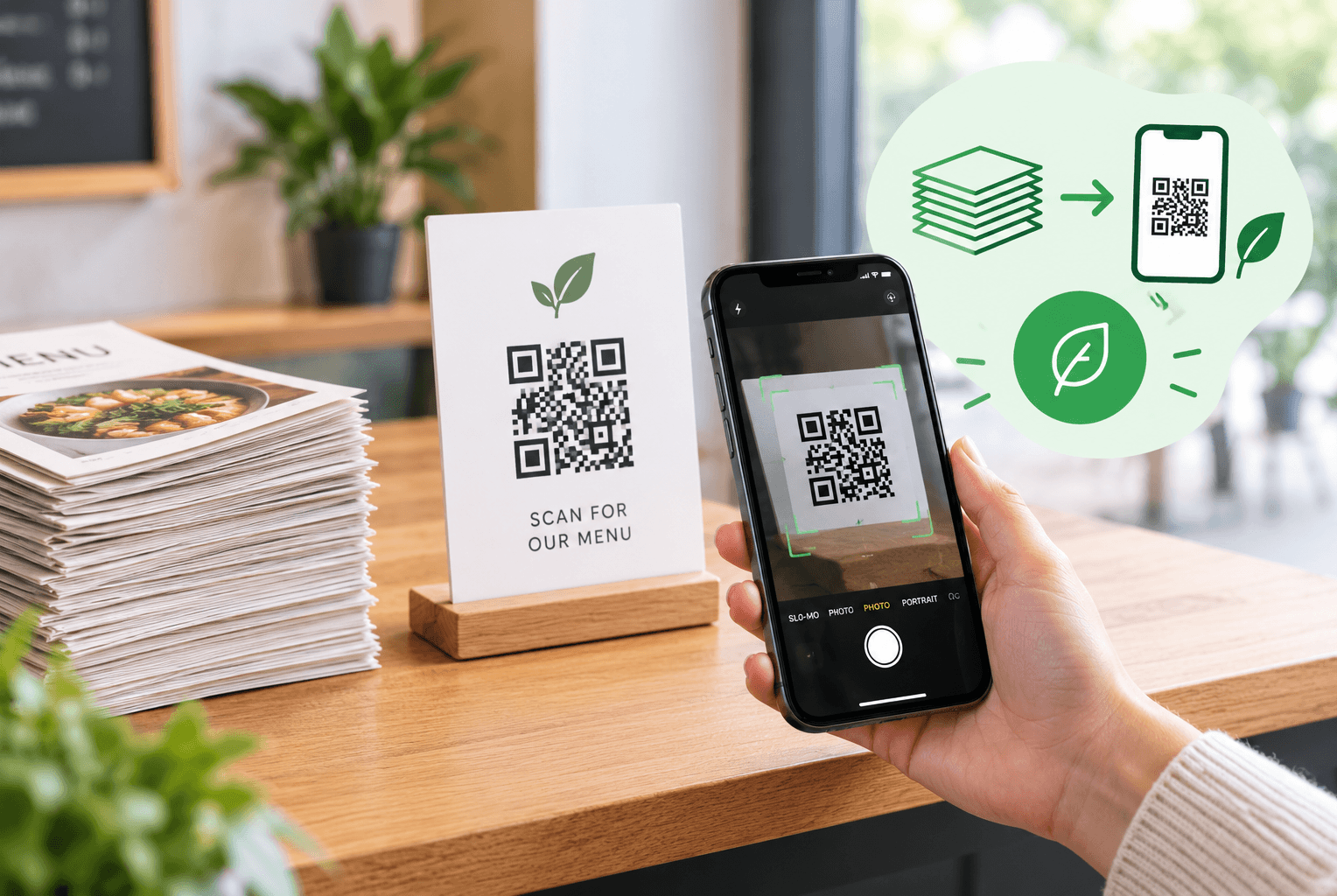
Restaurants can use QR codes to provide digital menus, share information about dishes, collect customer feedback, and promote special offers. Placing codes on tables or printed menus gives guests convenient access to this information from their smartphones.
QR codes can reduce the need for printed menus, brochures, maps, and instruction sheets by linking to digital versions. The amount of paper saved depends on how extensively a business replaces printed materials with digital resources.
Businesses can use QR code platforms with scan analytics to monitor available metrics, such as scan counts, dates, and locations, depending on the service and plan. These insights can help evaluate QR code engagement and improve placement or content.
Manage your QR codes!
Collect all your QR codes in one place, view statistics, and change content by creating an account
Sign up


Was This Article Helpful?
Click on a star to rate it!
Thank you for your vote!

Average Rating: 5/5 Votes: 3
Be the first to rate this post!

Tech entrepreneur & digital strategist with over 9 years of experience in backend development and more than 5 years in executive leadership. Education Software and Web developer. More than 20 years of experience in software and web development.
View LinkedIn Profile
Create codes with our free QR generator of codes. Comprehensible interface, variety in choosing the type of your QR-code, the ability to view statistics!
Download Our App
Now it’s simple and easy to create and scan QR Codes!


Information
Legal
Support
Our Newsletter


Create codes with our free QR generator of codes. Comprehensible interface, variety in choosing the type of your QR-code, the ability to view statistics!
Download Our App
Now it’s simple and easy to create and scan QR Codes!


Copyright © 2018- Me-Team