ME-QR / Mobile Targeting QR Codes
QR codes are commonly used to direct users to websites, landing pages, applications, and digital content. In most cases, every person who scans the QR code is sent to the same destination regardless of the device they use. While this approach works for many campaigns, it may not provide the best experience for users across different platforms.
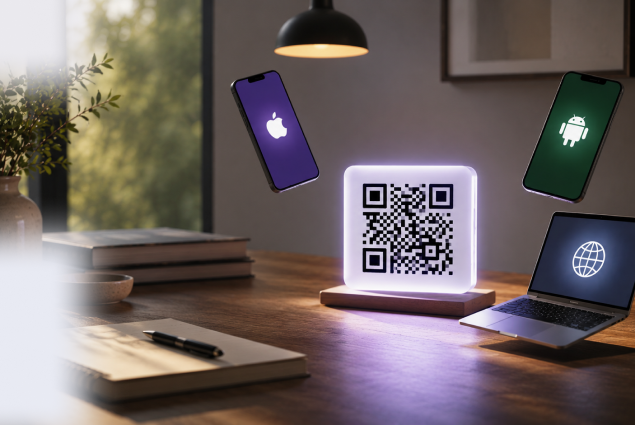
ME-QR Mobile Targeting allows businesses to create device-based QR code redirects for dynamic QR codes. Instead of sending everyone to a single URL, you can automatically direct iPhone users to an a App Store QR code, Android users to Google Play, and desktop visitors to a separate webpage. This helps deliver a more relevant user experience while improving engagement and conversion rates.
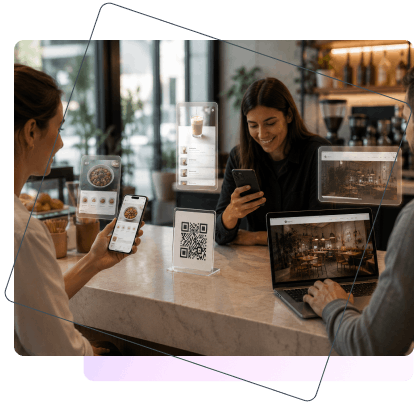
Mobile Targeting automatically detects the user’s device or operating system and redirects them to the most appropriate destination. When combined with dynamic QR codes, businesses can manage multiple user journeys through a single QR code while updating destinations whenever needed and ensuring every visitor receives relevant content.
Promoting mobile applications becomes much easier when users are directed to the correct app marketplace automatically. iPhone users can open the App Store, while Android users can be redirected to Google Play without additional clicks or manual selection.
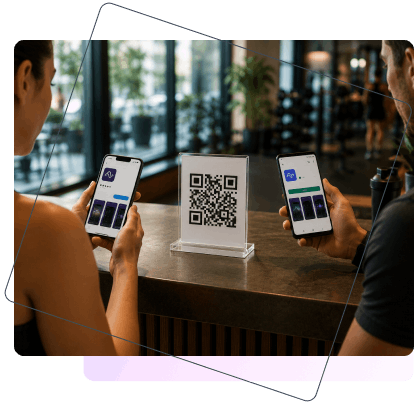
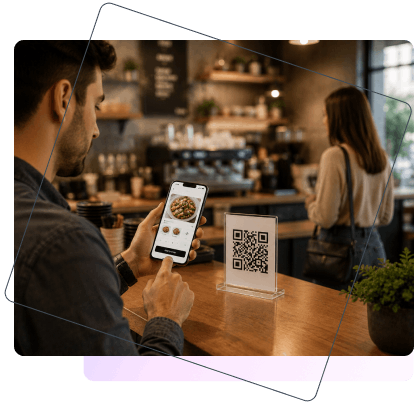
By removing unnecessary steps from the customer journey, Mobile Targeting helps create a faster and more seamless experience. Users reach the content they need immediately, which can improve engagement, reduce drop-offs, and increase conversion rates.
Create
QR Code Now!
Put your QR code link, add name for your QR, select content category and generate!

ME-QR Mobile Targeting helps businesses create more relevant user experiences while simplifying QR code management across multiple platforms.
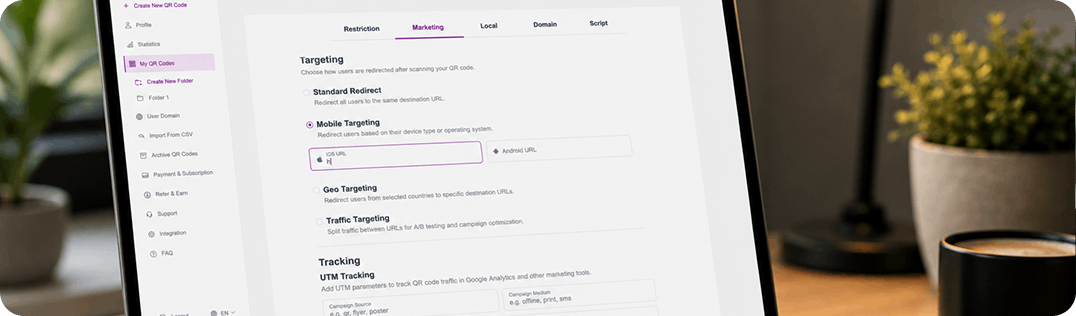
One QR Code for Multiple Destinations. Manage multiple user journeys with a single dynamic QR code. Direct users to different destinations based on their device without creating separate QR codes for each platform.
iOS and Android Support. Provide dedicated destinations for iPhone and Android users. Mobile Targeting automatically detects the operating system and redirects users to the most relevant page or app store.
Better Conversion Rates. Reduce friction in the customer journey by sending users directly to the content they need. Fewer steps often lead to higher engagement and improved conversion performance.
Improved Customer Experience. Deliver a seamless experience by eliminating unnecessary clicks and manual navigation. Users can access the correct destination immediately after scanning the QR code.
Easy Setup and Management. Configure Mobile Targeting in just a few steps and update redirect destinations whenever needed. Changes can be made without reprinting or replacing your existing QR codes.
With ME-QR Mobile Targeting, businesses can personalize customer journeys, improve campaign performance, and deliver the right content to every user regardless of their device. Combined with other QR codes for business tools, Mobile Targeting helps create more effective customer experiences.


At ME-QR, we believe that personalization is essential for successful digital marketing. Mobile Targeting allows businesses to deliver personalized experiences by connecting every user with the right destination based on their device. Whether promoting mobile apps or optimizing digital campaigns, smarter redirects create better customer journeys and stronger marketing results.
Ivan Melnychuk CEO of Me Team
Mobile Targeting uses device detection technology to identify the user’s operating system or device type immediately after a QR code scan. Based on the rules configured in your ME-QR account, the user is automatically redirected to the most relevant destination.
The process is simple:
For example, an iPhone user can be sent directly to the App Store, an Android user to Google Play, and a desktop visitor to a dedicated website or landing page. All of this happens through a single QR code, making campaign management easier while delivering a more personalized experience.
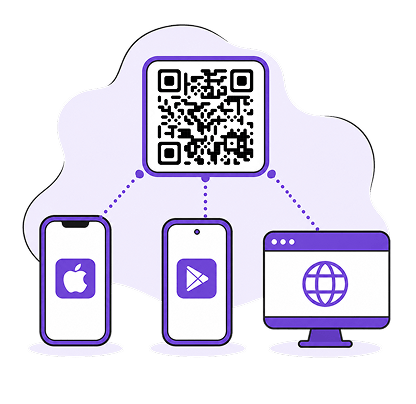
Mobile Targeting can be configured in just a few steps and updated at any time without changing the QR code itself. This flexibility allows businesses to adapt campaigns, update destinations, and optimize customer journeys whenever needed.
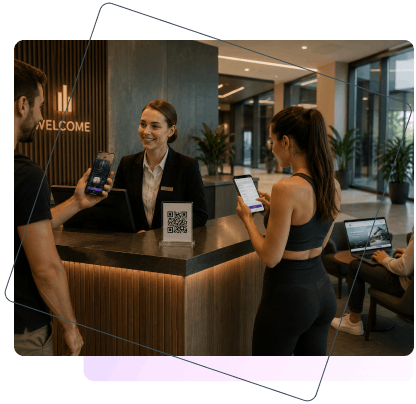
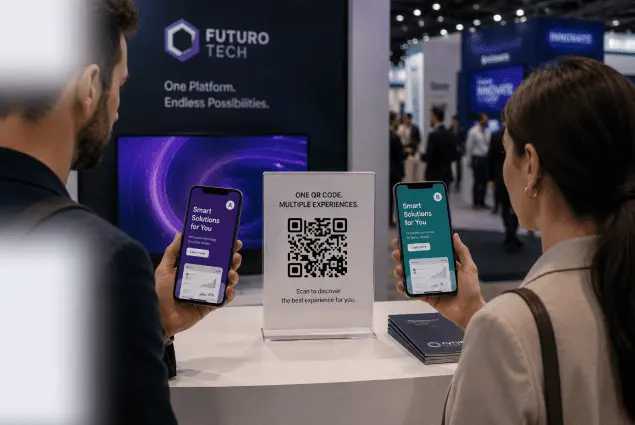
A single QR code can deliver different experiences to different users. Whether you use a URL QR code for website traffic or an App Store QR code for app promotion, Mobile Targeting helps deliver the right destination.
Upgrade to a Premium plan to unlock Mobile Targeting and gain greater control over your QR code campaigns. Create more personalized user journeys, improve conversion rates, and ensure every visitor reaches the most relevant destination.
You have free unlimited updates and premium support on each package.
Free
$0 / Month
Forever Free


Lite
/ Month
Billed Monthly
Premium
/ Month
Billed Monthly
Free
$0 / Month
Forever Free
Lite
/ Month
 You save / year
Billed Yearly
Premium
/ Month
You save / year
Billed Yearly
Plans Benefits
You save
up to 45% on Yearly Plan
Created QR Codes
Scanning QR codes
Life time of QR Codes
Trackable QR Codes
Multi-User Access
Folders
QR Codes Samples
Email After Each Scan
Analytics
Analytics History (in years)
File Storage
Advertising
Free
$0 / Month
Forever Free
10 000
Unlimited
Unlimited
Unlimited
Unlimited
Unlimited
1
100 MB
All QR codes with ads
Not sure if ME-QR is suitable for you?
Ask the AI you usually use – it knows your needs and will give you honest advice.
Mobile Targeting is a feature that allows a QR code to redirect users to different destinations based on their device or operating system. Instead of sending everyone to the same URL, businesses can create separate destinations for iOS, Android, and desktop users, providing a more relevant and personalized experience.
When a user scans a QR code, ME-QR automatically detects the device type or operating system being used. Based on the rules configured in the QR code settings, the platform redirects the user to the appropriate destination URL. The entire process happens instantly and requires no action from the user.
Yes. Mobile Targeting allows you to assign separate destination URLs for different operating systems. For example, iPhone users can be redirected to the App Store, while Android users are sent directly to Google Play. This is one of the most common use cases for app promotion campaigns.
No. One dynamic QR code can support multiple destinations through Mobile Targeting. Instead of creating separate QR codes for iOS, Android, and desktop users, you can manage all redirects within a single QR code and update them whenever necessary.
Mobile Targeting is a Premium feature available with eligible ME-QR subscription plans. Standard Redirect functionality remains available for dynamic QR codes, while advanced targeting options such as Mobile Targeting require a Premium upgrade.
Manage your QR codes!
Collect all your QR codes in one place, view statistics, and change content by creating an account
Sign up


Was This Article Helpful?
Click on a star to rate it!
Thank you for your vote!

Average Rating: 0/5 Votes: 0
Be the first to rate this post!

Tech entrepreneur & digital strategist with over 9 years of experience in backend development and more than 5 years in executive leadership. Education Software and Web developer. More than 20 years of experience in software and web development.
View LinkedIn Profile
Create codes with our free QR generator of codes. Comprehensible interface, variety in choosing the type of your QR-code, the ability to view statistics!
Download Our App
Now it’s simple and easy to create and scan QR Codes!


Information
Legal
Support
Our Newsletter


Create codes with our free QR generator of codes. Comprehensible interface, variety in choosing the type of your QR-code, the ability to view statistics!
Download Our App
Now it’s simple and easy to create and scan QR Codes!







Copyright © 2018- Me-Team





 ChatGPT
 Gemini
 Claude
 Perplexity