Top 7 Customizable QR Code Generators: A Comparison for Brand-Conscious Businesses
To create a QR code for a link, video or picture - click on the button below.


- What Is a Customized and Branded QR Code?
- Why Branded QR Codes Matter for Business
- How We Tested Custom QR Code Generators
- Comparison Table of the Best Branded QR Code Generators
- Top Services to Create Branded and Custom Design QR Codes
- Types of Custom QR Code Designs
- How to Make a Personalized QR Code for Business
- How to Design a QR Code That Still Scans
- Best Practices for Branded QR Codes
- Frequently Asked Questions about Top Services to Create Branded and Custom Design QR Codes
With growing competition for user attention, a customized QR code generator helps businesses stand out by creating QR codes that reflect their brand identity instead of generic black-and-white patterns. These codes not only link to content but also serve as a marketing tool that can engage users across online and offline channels.
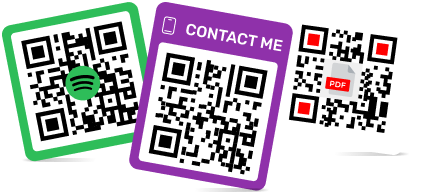
With a personalized QR code, companies can integrate logos, colors, and unique shapes to make their QR codes visually appealing and instantly recognizable. Whether for packaging, social media, or print campaigns, these codes turn simple scans into meaningful brand interactions.
What Is a Customized and Branded QR Code?
A brand QR code combines scannable functionality with visual design elements that represent your business. By using a QR code with design, you can match the code’s colors, shapes, and logos to your brand identity, making it both functional and memorable.
Some features of customized QR codes include:
- Color options: Use a color QR code generator to match your brand palette while keeping the QR code easily scannable.
- Logo integration: Create a QR code with a logo in the middle to reinforce your brand identity and make it instantly recognizable.
- Creative designs: Tools like a stylized QR code generator allow for decorative or themed QR codes.
- Shape customization: Generate custom QR code shapes to reflect your brand personality.
These enhancements transform a standard QR code into a visual asset that strengthens your brand while remaining fully scannable.
Why Branded QR Codes Matter for Business
Even a functional QR code can become a powerful marketing tool when customized. A custom branded QR code improves recognition, trust, and engagement across your campaigns.
Increase Brand Recognition
Using a beautiful QR code generator, your QR codes can carry your brand colors and logos, reinforcing your visual identity with every scan. Customers are more likely to remember your brand when the code looks professional.
Improve Scan Rates
A visually appealing QR code created with a pretty QR code generator attracts attention and encourages users to scan, boosting engagement and conversion rates.
Build Trust with Users
A personalized QR signals credibility and professionalism, showing that your business pays attention to detail and cares about user experience.
Stand Out in Offline Marketing
In crowded environments like trade shows, flyers, or product packaging, a multicolor QR code or custom colored QR codes helps your campaigns stand out, making it easier for audiences to notice and interact with your brand.
How We Tested Custom QR Code Generators
To provide actionable insights, we tested each customized QR code generator across multiple criteria. Our goal was to see how well each tool balances design flexibility, usability, and functionality for businesses looking to create personalized QR codes.

Key Evaluation Criteria
- Ease of Use: We assessed how simple it is to navigate the platform and generate QR codes. Tools that allow you to design QR codes with minimal steps scored higher.
- Design Options: We examined the variety of features such as custom QR code shapes and color options. Tools that allow you to create your own QR code with logo provide better opportunities for branding. The more flexible the design options, the more effective the generator is for business purposes.
- Scan Reliability: A QR code can be beautiful, but if it doesn’t scan easily, it fails its primary purpose. We tested each code across multiple devices and apps to ensure high scan accuracy.
- Export Formats & Quality: We looked at how each generator allows downloading codes in different formats (PNG, SVG, PDF) and resolutions, which is critical when printing or embedding in digital materials.
- Branding Capabilities: The ability to produce a custom personalized QR code was central to our evaluation. We considered features like multicolor QR codes, logo placement, and overall consistency with brand identity.
- Pricing & Value: We compared free vs. paid tiers, limitations, and the availability of advanced features for business needs, such as a dynamic QR code generator with logo.
Our Testing Methodology
- Step 1: Generated a variety of QR codes for each tool, testing static, dynamic, and branded options.
- Step 2: Checked visual customization, including QR codes color options and the ability to apply creative shapes.
- Step 3: Tested scanability using multiple devices, both iOS and Android.
- Step 4: Assessed integration possibilities with logos and external URLs.
- Step 5: Compared download formats, resolution quality, and platform restrictions.
- Step 6: Compiled insights from team members who tested real-world applications, such as product packaging, print marketing, and social media campaigns.
By using this methodology, we ensured that each QR code generator was evaluated not just on design aesthetics but also on real-world usability and business relevance.
Comparison Table of the Best Branded QR Code Generators
|
QR Code Generator
|
Logo Support
|
Custom Colors & Styles
|
Custom Shapes
|
Dynamic QR Codes
|
Analytics
|
Best For
|
|
ME-QR
|
✅ Yes |
✅ Extensive
|
✅ Yes
|
✅ Yes
|
✅ Yes
|
Full branding & marketing campaigns |
|
OnlQR
|
✅ Yes |
✅ Moderate
|
✅ Yes
|
✅ Yes
|
✅ Basic
|
Small businesses & offline marketing
|
|
Pageloot
|
✅ Yes
|
✅ Moderate
|
✅ Yes
|
✅ Yes
|
✅ Yes
|
Multi-code management & analytics
|
|
Flowcode
|
✅ Yes |
✅ Yes (gradients)
|
✅ Yes
|
✅ Yes
|
✅ Yes
|
Social & digital marketing
|
|
Delivr
|
✅ Yes
|
✅ Limited
|
✅ Limited
|
✅ Yes
|
✅ Yes
|
Enterprise & trackable campaigns
|
|
QR.io
|
✅ Yes
|
✅ Moderate
|
✅ Yes
|
✅ Yes
|
✅ Yes
|
Branding with analytics
|
|
Kaywa
|
✅ Yes
|
✅ Limited
|
❌
|
✅ Yes
|
✅ Bacis
|
Simple branded QR codes
|
|
ViralQR
|
✅ Yes
|
✅ Yes
|
✅ Yes
|
❌
|
❌
|
Creative campaigns & events
|
|
QRcoDeal
|
✅ Yes
|
✅ Moderate
|
✅ Yes
|
✅ Yes
|
✅ Basic
|
Small business promotions
|
|
QRflexi
|
✅ Yes
|
✅ Yes
|
✅ Yes
|
✅ Limited
|
❌
|
Offline marketing & aesthetics
|
|
MyQRhub
|
✅ Yes
|
✅ Moderate
|
✅ Limited
|
✅ Yes
|
✅ Yes
|
Balanced design & analytics
|
|
Fotor QR Code Generator
|
✅ Yes
|
✅ Extensive
|
✅ Yes
|
❌
|
❌
|
Visually striking creative codes
|
Top Services to Create Branded and Custom Design QR Codes
Top Services to Create Branded and Custom Design QR CodesCreating a beautiful QR code that aligns with your brand identity is easier than ever thanks to modern tools. We reviewed 12 top platforms that allow businesses and individuals to generate customized QR codes with logos, colors, and creative shapes. These services vary in features, pricing, and branding capabilities, so choosing the right one depends on your specific needs.
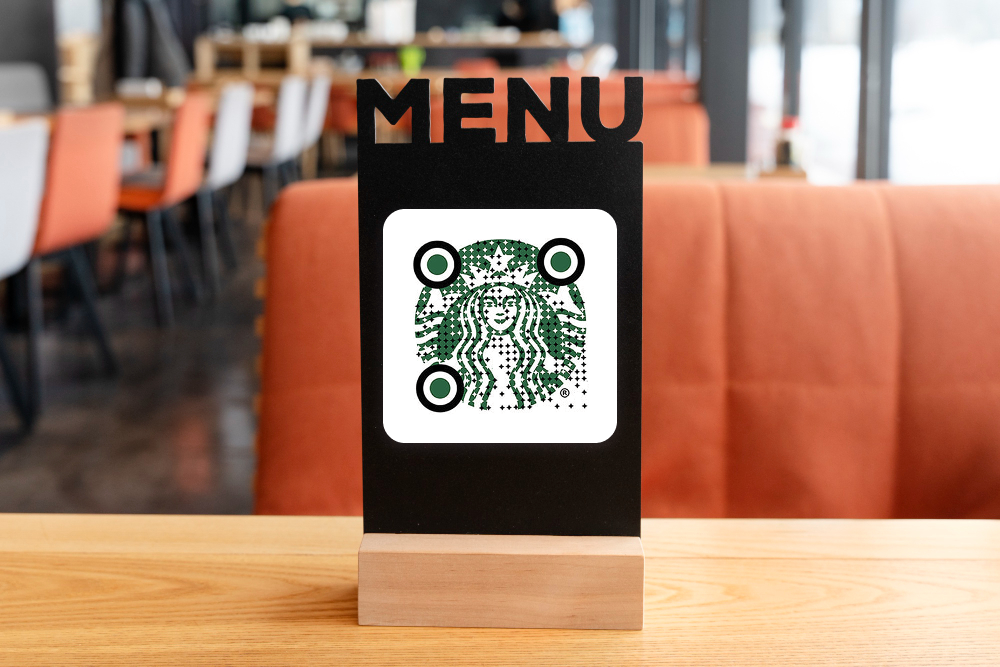
1. ME-QR
ME-QR stands out for its extensive QR code customization options, allowing users to adjust colors, shapes, and styles to match their brand. The platform is intuitive and user-friendly, making it easy to design personalized QR codes for products, packaging, and marketing campaigns. With ME-QR, businesses can create visually appealing codes that not only function reliably but also enhance brand recognition and engagement.
Key Features:
- Fully customizable colors and styles
- Logo integration in the center of codes
- Dynamic and static QR codes
- High-resolution downloads (PNG, SVG, PDF)
- Analytics for scanned codes
Pros: Excellent branding options, intuitive interface, high scan reliability.
Cons: Free version limited in design options.
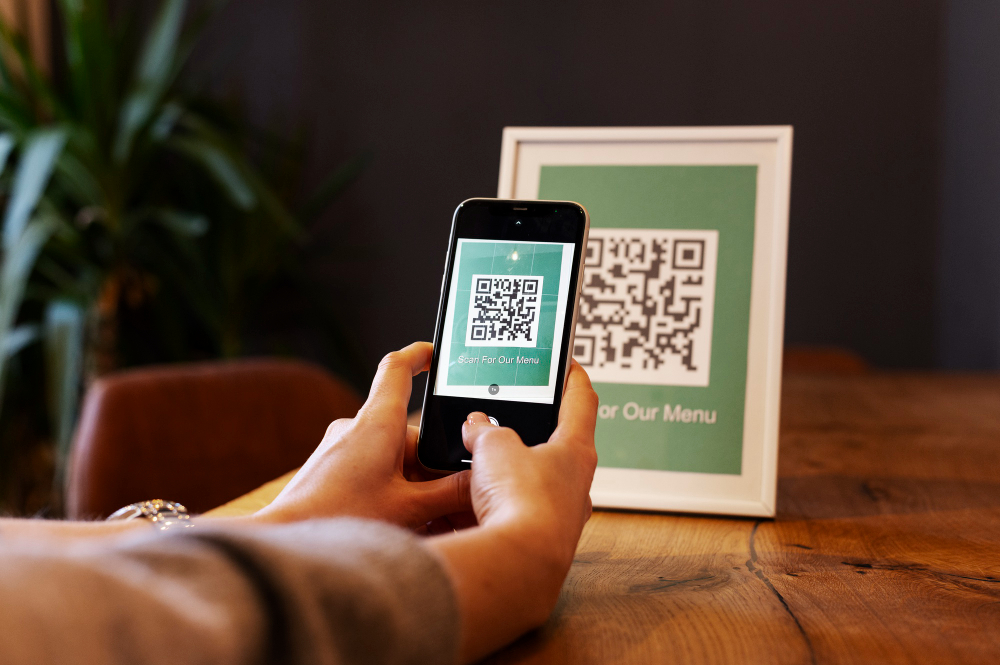
2. Pageloot
Pageloot is ideal for businesses looking to manage multiple QR codes. Its QR code with design tools allows seamless branding integration, and it supports both static and dynamic codes.
Key Features:
- URL shortening and QR code tracking
- Custom branding QR codes for marketing
- Multiple export formats
Pros: Strong analytics and management features.
Cons: Design options are less extensive than ME-QR.
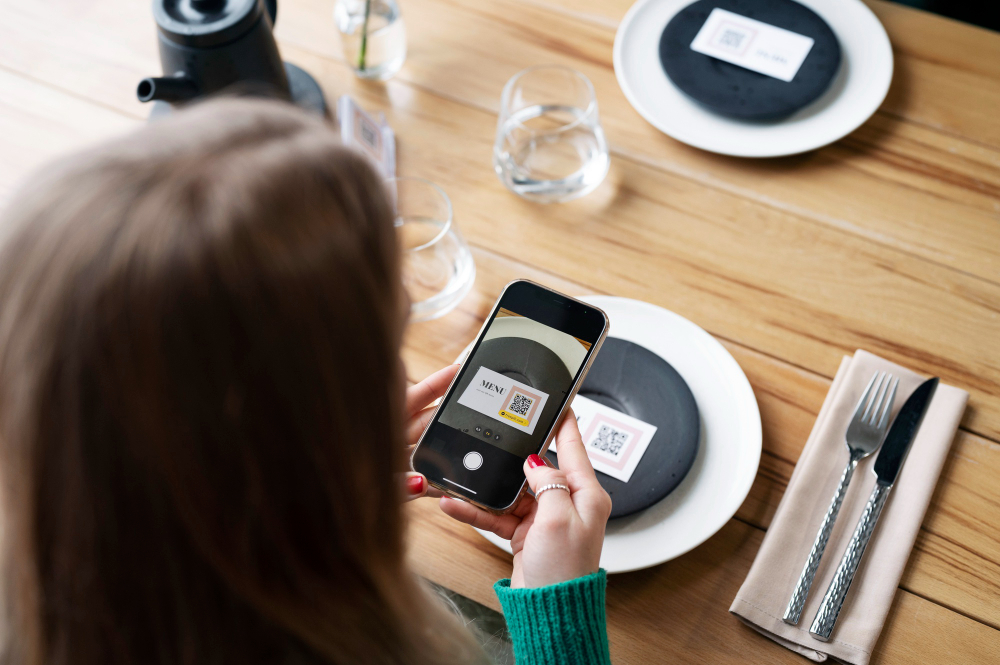
3. Flowcode
Flowcode focuses on creating brand QR codes for digital marketing campaigns. It emphasizes design flexibility and scan reliability.
Key Features:
- Custom colors and gradient QR codes
- Logo embedding and shape adjustments
- Integration with social media and email campaigns
Pros: High-quality scanning and analytics.
Cons: More expensive than other tools for premium features.
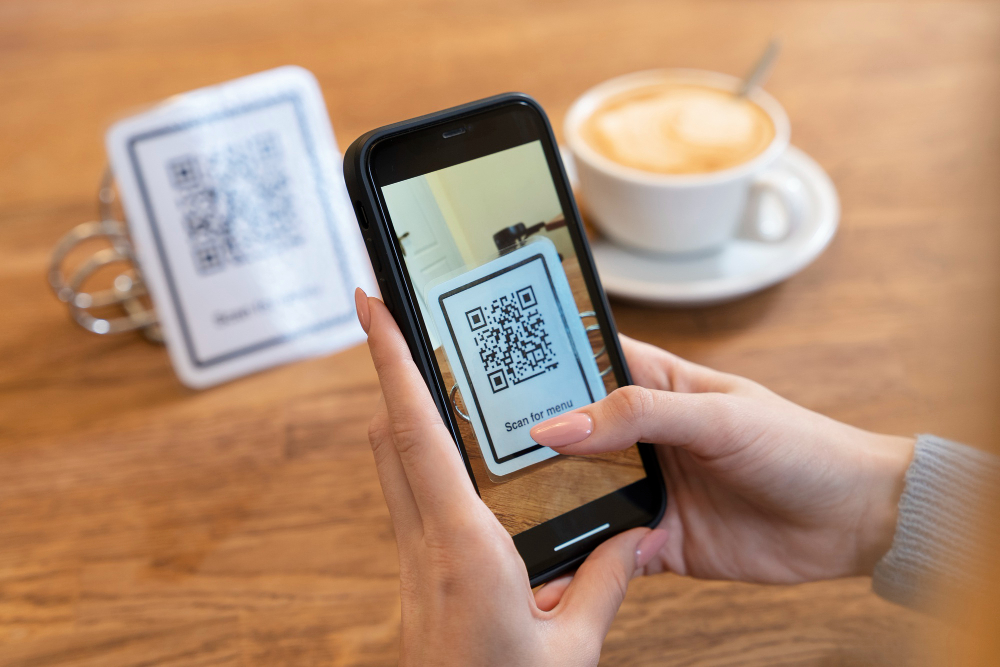
4. OnlQR
OnlQR offers a versatile pretty QR code generator with branding capabilities. Users can customize colors, styles, and shapes to create creative QR code designs that stand out in offline marketing.
Key Features:
- Logo embedding and background customization
- Custom shapes and stylized QR code generator options
- Dynamic QR codes available for business use
Pros: Good for small businesses and campaigns.
Cons: Limited templates for multicolor codes.
5. Delivr
Delivr is a professional solution for custom dynamic QR codes. Perfect for businesses that want trackable codes integrated with marketing platforms.
Key Features:
- Dynamic QR codes with URL redirects
- Branded QR code customization
- Real-time scan tracking
Pros: Enterprise-grade analytics.
Cons: Limited design features.
6. QR.io
QR.io offers a mix of design and analytics features, suitable for creating stylized QR code generators for branding purposes.
Key Features:
- Logo embedding
- Custom shapes and colors
- Dynamic QR code generation
Pros: Strong analytics and business integrations.
Cons: Free tier limited in branding options.
7. Kaywa
Kaywa is a long-standing QR code generator focused on simple personalized QR codes with reliable scanability.
Key Features:
- Static and dynamic QR codes
- Basic branding with logos and color customization
Pros: Reliable and straightforward.
Cons: Fewer creative design options.
8. ViralQR
ViralQR specializes in creative QR code designs for marketing campaigns and events.
Key Features:
- Logo embedding and color options
- Custom shapes and decorative codes
Pros: Eye-catching designs.
Cons: Lacks analytics for the free tier.
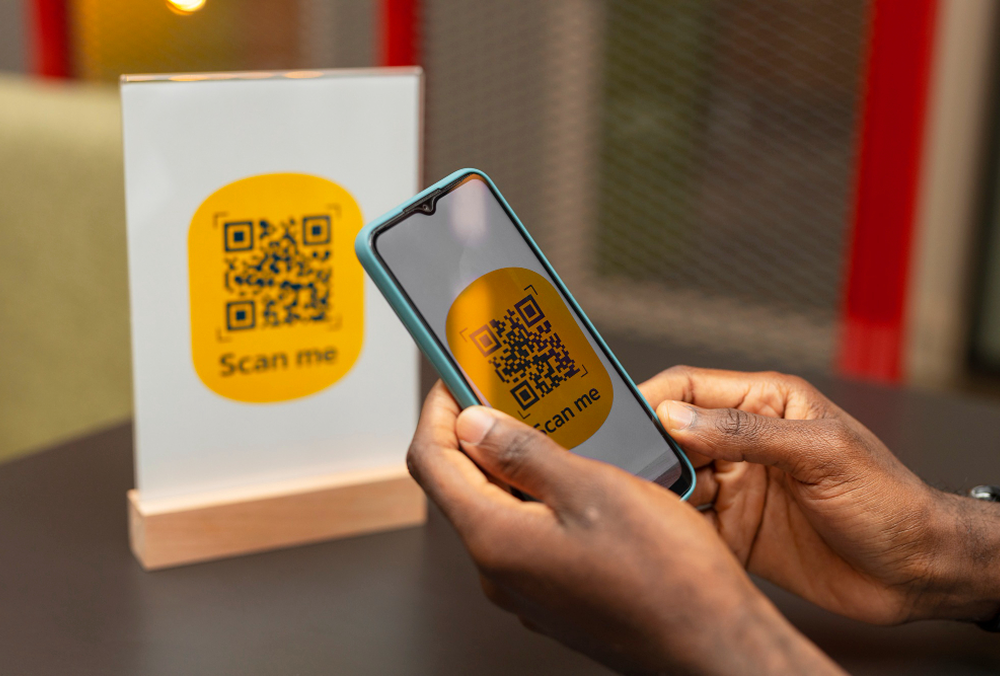
9. QRcoDeal
QRcoDeal targets small businesses seeking personalized QR codes for promotions and product packaging.
Key Features:
- Dynamic and static QR codes
- Custom QR code shapes and color options
- Logo integration
Pros: Affordable pricing.
Cons: Fewer templates for complex designs.
10. QRflexi
QRflexi offers flexibility for designing pretty QR codes with logos and multiple colors.
Key Features:
- Multicolor QR codes
- Logo embedding
- Export in high-resolution formats
Pros: Great for offline marketing.
Cons: Some advanced features require a paid plan.
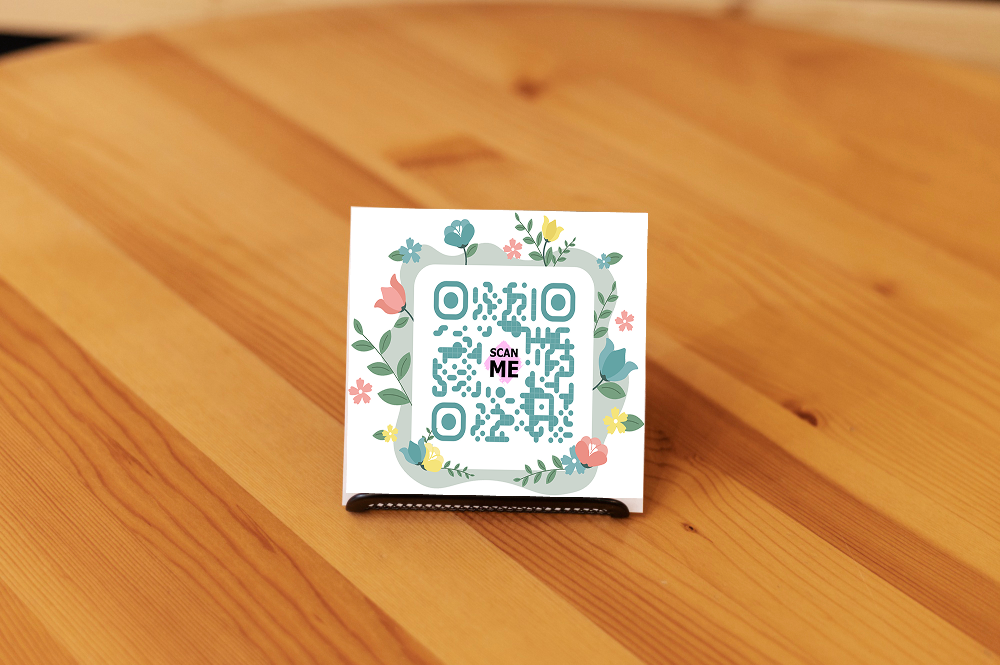
11. MyQRhub
MyQRhub provides tools for generating custom branded QR codes with business analytics.
Key Features:
- Dynamic QR codes
- Logo placement and color customization
- URL and social media integrations
Pros: Balanced design and analytics.
Cons: Limited advanced styling options.
12. Fotor QR Code Generator
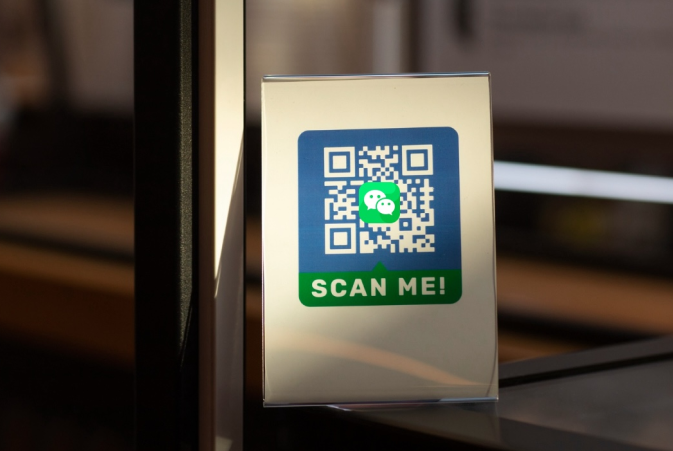
Fotor allows creating beautiful QR codes with artistic flair, ideal for campaigns requiring visually striking codes.
Key Features:
- Color gradients and custom patterns
- Logo embedding
- Creative shapes
Pros: High design flexibility.
Cons: Analytics and dynamic features limited.
Types of Custom QR Code Designs
Creating a visually appealing QR code can make your brand stand out and encourage more scans. Here are the most popular custom QR code designs that businesses use today:
QR Code with Logo in the Middle
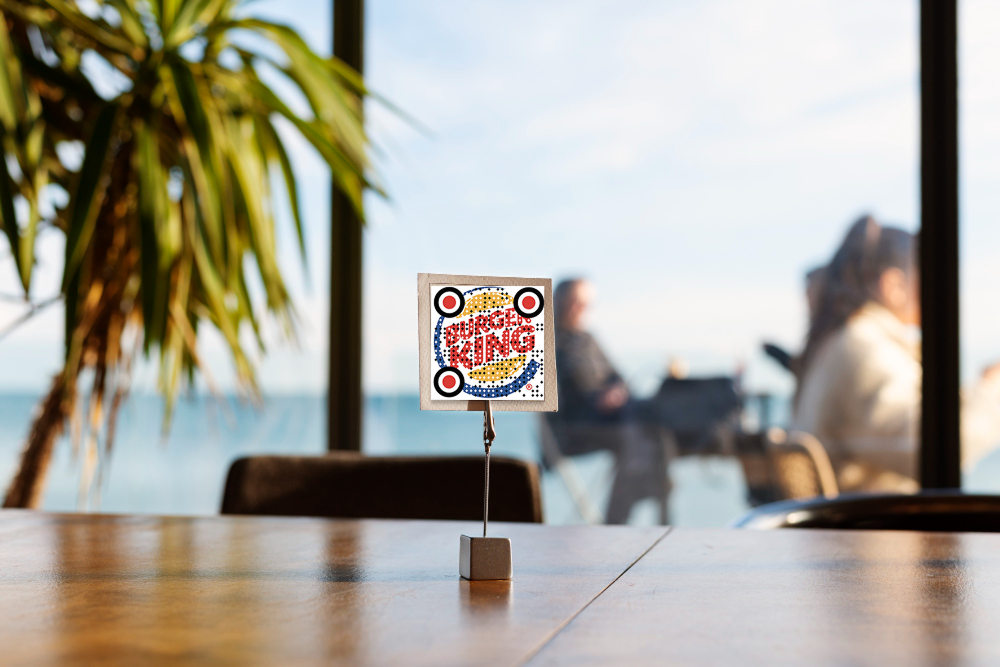
Adding a logo to the center of a QR code helps reinforce brand identity while keeping the code fully scannable. This design works well for business cards, product packaging, marketing materials, and promotional campaigns, making the code instantly recognizable and aligned with your brand.
Colored and Multicolor QR Codes
Moving beyond standard black-and-white, colored or multicolor QR codes attract attention and can reflect your brand’s color palette. These codes can feature gradient fills, background colors, or multiple colored blocks, creating a visually striking design that stands out in both print and digital materials.
Custom Shapes and Frames
Customizing the shape of QR modules or adding frames around the code transforms a standard QR into a unique design element. Shapes can complement your logo, match the theme of a product, or reflect a specific marketing campaign, helping the code integrate seamlessly into your overall visual identity.
Decorative and Stylized QR Codes
Decorative QR codes incorporate patterns, icons, or thematic visuals directly into the code. These creative designs enhance visual appeal without affecting scan reliability, making QR codes more engaging for users and more consistent with branding and marketing goals.
How to Make a Personalized QR Code for Business
Creating a personalized QR code allows your brand to leave a lasting impression and provides customers with an easy way to connect with your business. Follow these steps to design a custom QR code that aligns with your branding:
Step 1: Choose a QR Code Generator
Select a reliable customized QR code generator for your business needs. Look for features like logo placement, color customization, and dynamic QR options to ensure your codes reflect your brand and remain fully scannable.
Step 2: Decide the QR Code Type
Determine whether your QR code will link to a website, contact card, social media page, or a digital menu. Dynamic QR codes are preferred for marketing campaigns since they allow edits and tracking without regenerating the code.
Step 3: Customize the Design
Personalize your QR code to reflect your brand by using a customized QR code generator. You can add your logo in the center to make it instantly recognizable, choose your brand colors or multicolor patterns to match your visual identity, apply custom shapes or frames for a unique look, and include decorative elements to create a stylized, creative design that stands out to your customers.
Step 4: Test the QR Code
Before using your QR code in campaigns, test it on multiple devices and scanning apps to ensure reliability. Confirm that the code works with both standard QR scanners and branded QR apps.
Step 5: Download and Distribute
Once your QR code is finalized:
- Download it in high-resolution format (PNG, SVG, or PDF).
- Use it on business cards, product packaging, flyers, or digital channels.
- For physical placements, consider adding a frame or call-to-action like “Scan to Visit Our Website”.
Proper placement and visibility will help maximize scan rates and reinforce your brand presence.
How to Design a QR Code That Still Scans
Creating a visually appealing QR code is important, but functionality comes first. Here’s how to ensure your QR code works flawlessly while staying on-brand:
Use High Contrast Colors
Choose colors that make the QR code easy to scan. Using a QR code color tool can help you pick combinations that are both attractive and readable by scanners.
Avoid Over-Designing
Too many decorations or complex patterns can interfere with scanning. Stick to subtle stylizations while keeping the main code intact.
Keep Quiet Zone
Leave a clear margin around your QR code, known as the quiet zone, to prevent interference and ensure smooth scanning.
Test Before Publishing
Always scan your code on multiple devices before sharing. Tools like a pretty QR code generator often allow you to preview and test your design to make sure it works perfectly in real-world conditions.
Best Practices for Branded QR Codes
Designing a QR code for your brand is not just about aesthetics — it’s about creating a functional, recognizable, and engaging experience for your users. Follow these best practices to maximize the impact of your brand QR code:
- Keep It Simple. Use clean designs and avoid clutter. Even if you’re using a custom QR code shapes tool, simplicity ensures the code scans quickly.
- Integrate Your Logo. Place your logo in the center to increase brand recognition. Tools like a create your own QR code with logo platform make this easy without breaking the QR code’s functionality.
- Use Brand Colors Wisely. Choose high-contrast colors that reflect your brand identity. A color QR code generator can help you maintain both style and readability.
- Test Across Devices. Always scan your QR codes on multiple smartphones and QR readers to ensure compatibility.
- Provide Context. Include a short description or call-to-action near your QR code so users know what to expect when they scan.
- Update and Track Performance. Use dynamic QR codes to monitor scans and update links if needed. A custom dynamic QR code allows you to change the destination without reprinting the code.
Following these best practices helps you create personalized QR codes that not only look good but also perform reliably, strengthening your marketing efforts and enhancing customer trust.
Creating a branded QR code is a powerful way to combine functionality with marketing. By choosing the right colors, shapes, logos, and styles, you can make your QR codes not only scan reliably but also reinforce your brand identity. Using tools like ME-QR or other top services ensures your codes remain attractive, functional, and trackable, whether for personal use or business campaigns.
Frequently Asked Questions about Top Services to Create Branded and Custom Design QR Codes
You can use a pretty QR code generator to select colors, add logos, and apply custom shapes while keeping the code scannable. Make sure to test the final design to ensure it works across different devices.