Why QR Codes Become Hard to Scan and How ME-QR Helps Fix It
QR codes have evolved far beyond simple black-and-white squares. Today, businesses use custom QR code designs in advertising, packaging, menus, tickets, and social media campaigns to make their content more recognizable and visually appealing. Brands experiment with colors, logos, gradients, and decorative elements to create a more engaging user experience. However, customization often creates a new problem: visually attractive QR codes may become difficult to scan on real devices.


- What Makes a QR Code Scannable?
- Why Some QR Codes Do Not Work
- QR Code Color Contrast: Why It Matters
- Best and Worst QR Code Color Combinations
- How Custom QR Code Designs Affect Readability
- Understanding ME-QR Readability Statuses
- How To Create a Scannable QR Code
- Why QR Code Readability Impacts Business Results
- Frequently Asked Questions
What Makes a QR Code Scannable?
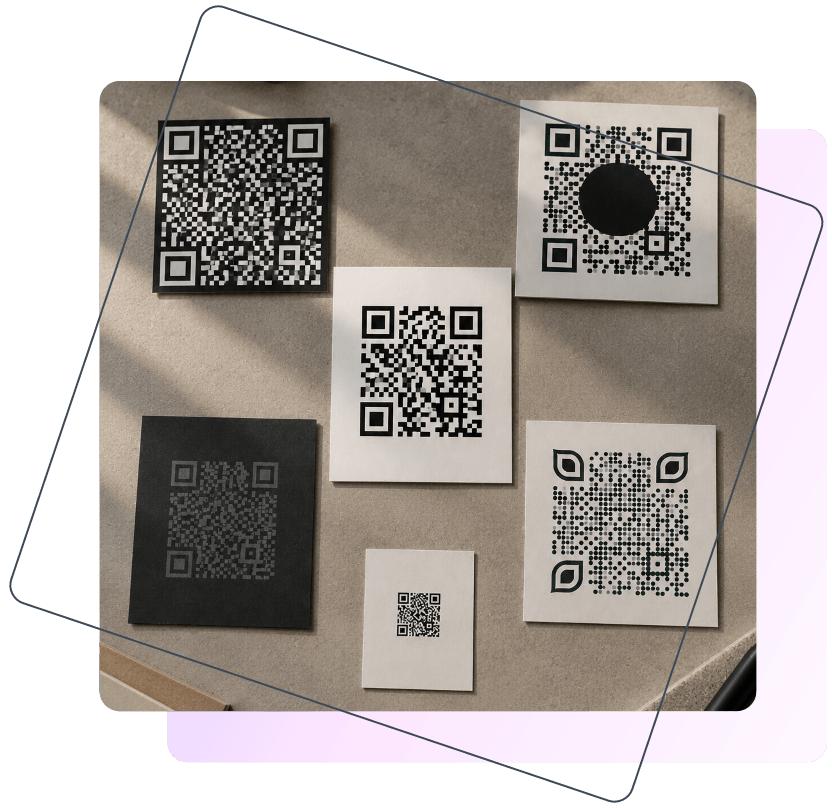
Not every QR code performs equally well in real-world conditions. Smartphone cameras analyze QR codes using multiple technical parameters, including contrast, structure, spacing, and positioning markers. Even small visual changes can affect how quickly a code is recognized or whether it scans at all.
This is especially important for businesses using custom QR code designs, where branding elements may interfere with readability. To understand why some codes scan instantly while others create problems, it is important to examine the key elements that affect QR code performance.
Why Contrast And Structure Matter
Contrast is one of the most important factors in QR code readability. Scanners need to clearly distinguish dark and light areas in the code. When colors are too similar, cameras struggle to separate modules from the background.
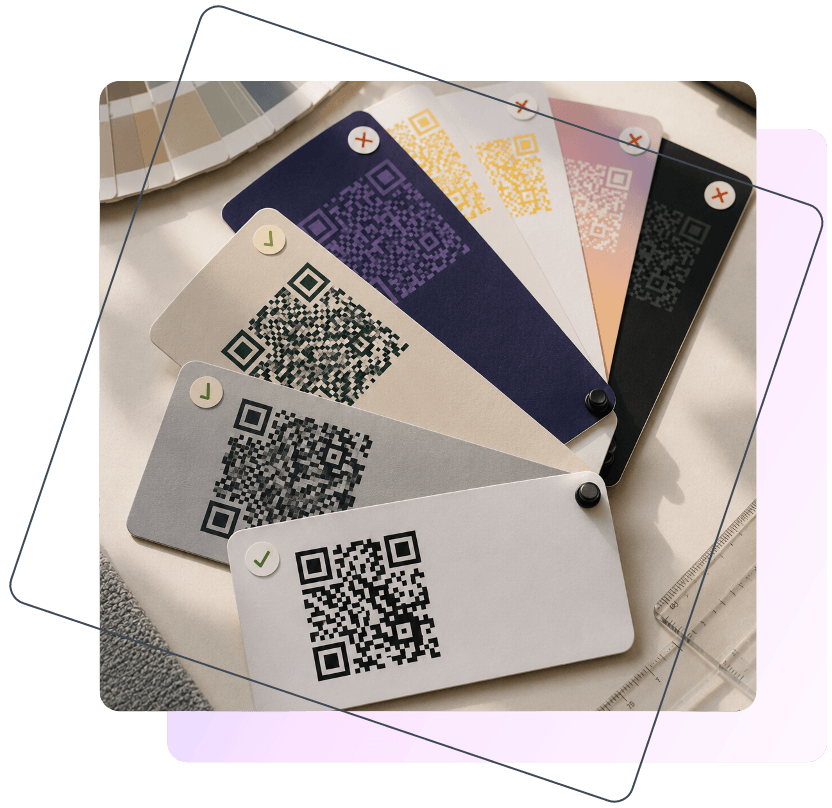
For example, these combinations usually work well:
- black on white;
- dark blue on light gray;
- dark green on white.
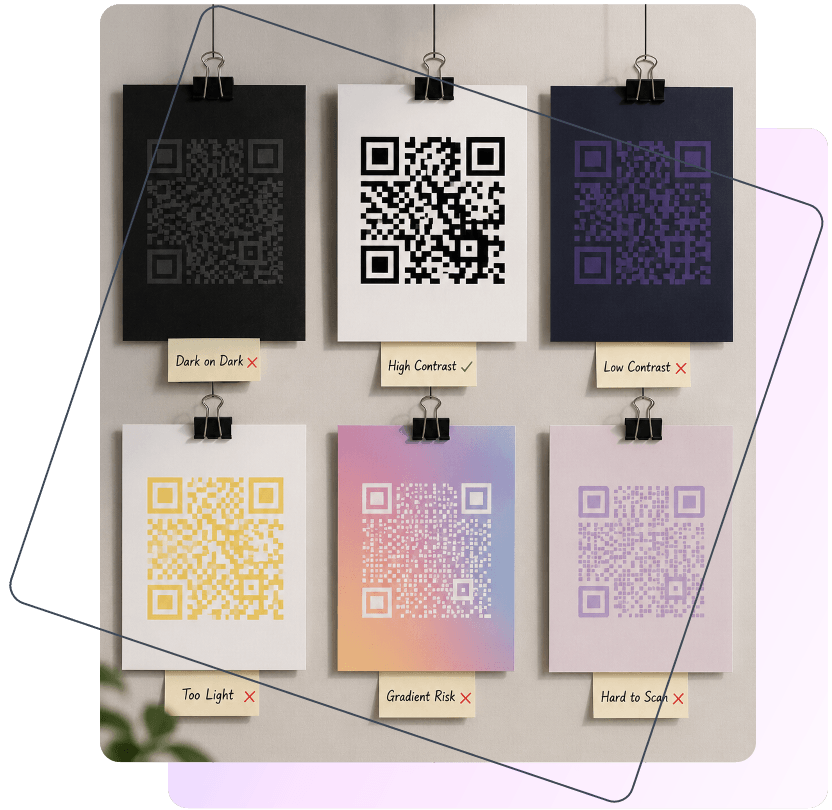
Meanwhile, combinations like purple on black or yellow on white often create low contrast QR codes that fail under poor lighting conditions.
Structure is equally important. QR scanners rely on the square markers in the corners to understand code orientation. If these elements are heavily stylized or partially covered by graphics, scanning performance may decrease significantly.
Standard Vs Custom QR Codes
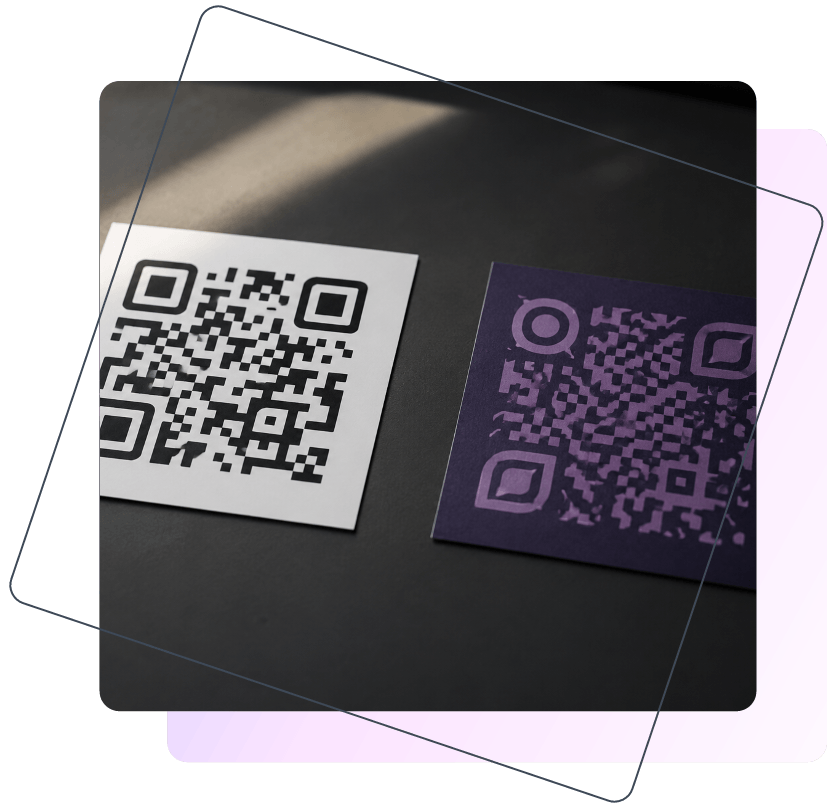
Traditional QR codes are designed primarily for functionality. They use maximum contrast and simple geometric patterns to ensure reliable scanning across devices.
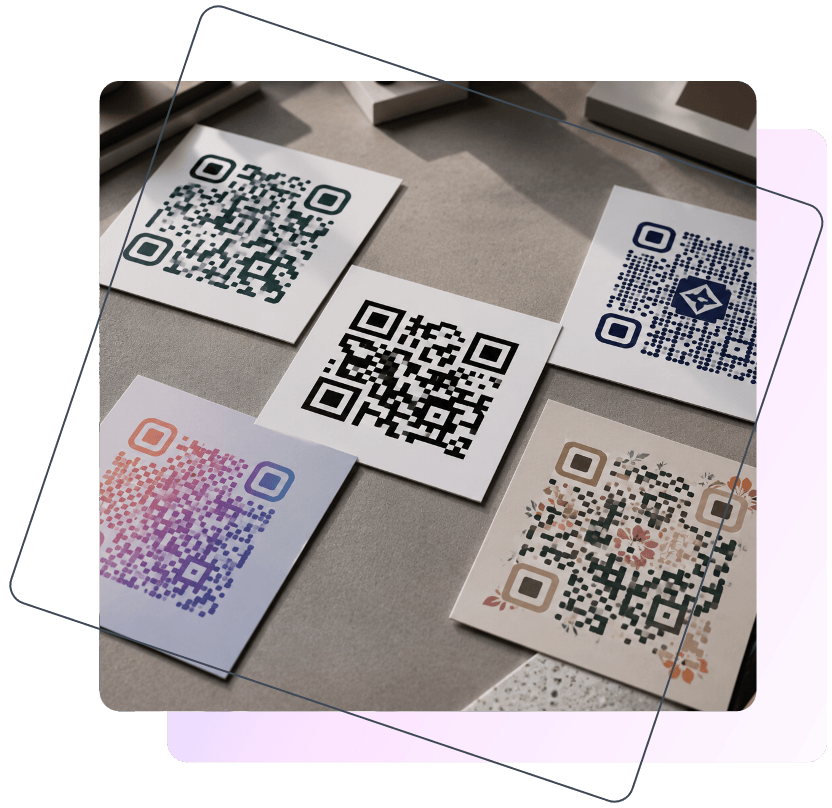
However, modern brands increasingly prefer creative QR code design solutions that better match their visual identity. These designs may include:
- custom colors;
- rounded shapes;
- embedded logos;
- gradients;
- branded frames.
While these elements improve aesthetics, excessive customization can damage scanability. This is why businesses should always perform a QR code scanner test before using a customized QR code in marketing materials or print campaigns.
Key Elements Of A Scannable QR Code
Several technical elements directly affect whether a QR code scans quickly or causes problems for users. Even the most creative QR code design should preserve the basic structure required for reliable recognition by smartphone cameras.
The most important factors include:
- high color contrast between the background and modules;
- a clean quiet zone around the QR code;
- proper QR code size for printing or digital use;
- clearly visible finder patterns (“eyes”);
- balanced logo placement without covering critical areas.
Ignoring these principles often leads to QR code scanning issues, especially on older smartphones or in poor lighting conditions.
Why Some QR Codes Do Not Work
Many users assume that if a QR code looks visually attractive, it will automatically scan correctly. In reality, even small design mistakes can create serious QR code scanning issues. A code may work perfectly on one smartphone but completely fail on another device with a weaker camera or slower autofocus system.
The growing popularity of creative QR code design has increased the number of scanning problems in marketing materials, packaging, and print advertising. Businesses often focus heavily on branding while unintentionally reducing scanability. This creates a difficult balance between aesthetics and functionality, especially when designers prioritize appearance over technical readability.
Some of the most common problems include:
- low contrast QR codes that make modules difficult to detect;
- dark colors placed on dark backgrounds;
- excessive customization that distorts the original structure;
- oversized logos covering important data areas;
- missing or broken quiet zones around the code;
- tiny printed QR codes that cameras cannot recognize easily.
These issues are one of the main reasons users search for answers to questions like why is my QR code not working or why does my QR code not scan. Even a visually impressive QR code can fail if its structure becomes too difficult for smartphone cameras to process quickly.
QR Code Color Contrast: Why It Matters
Color contrast plays one of the biggest roles in QR code readability. Smartphone cameras do not “understand” design the way humans do. Instead, scanners detect the difference between dark and light areas to recognize QR code modules and decode the information inside them. If the contrast is too weak, the camera may fail to separate the pattern from the background.
This is why decoration should never become more important than functionality. Many visually appealing custom QR code designs use trendy gradients, soft palettes, or dark-on-dark combinations that reduce visibility for scanners. While these designs may look modern, they often become hard to scan in poor lighting conditions or on older devices.
In most cases, high contrast combinations provide the best results because they create clear boundaries between QR code elements. Low contrast palettes, on the other hand, increase the risk of scanning failures and slow recognition speed.
Best and Worst QR Code Color Combinations
Some color combinations are much easier for smartphone cameras to recognize than others. High-contrast palettes improve QR code readability and allow scanners to detect QR code modules quickly, while low-contrast designs often create scanning delays or complete failures. The examples below show which combinations usually work reliably and which ones are commonly considered hard to scan.
| Recommended Colors | Hard to Scan Colors |
| Black on white | Purple on black |
| Navy on light gray | Yellow on white |
| Dark green on white | Red on orange |
| Dark blue on pastel background | Light gray on white |
How Custom QR Code Designs Affect Readability
Businesses increasingly use custom QR code designs to make their marketing materials more recognizable and visually appealing. A branded QR code can attract more attention, strengthen visual identity, and improve engagement in advertising campaigns, packaging, restaurant menus, and social media content. Instead of using a standard black-and-white pattern, companies often experiment with colors, shapes, and additional graphic elements.
However, excessive customization may negatively affect scanability. Many creative QR code design solutions prioritize aesthetics over technical performance, making the code more difficult for smartphone cameras to recognize. The challenge is finding the right balance between branding and usability so the QR code remains both attractive and functional.
Popular QR Code Design Elements
Some of the most common customization elements include:
- rounded modules;
- gradient colors;
- embedded logos;
- decorative frames.
While these features improve appearance, they can also create QR code scanning issues if used incorrectly. Gradients may reduce contrast, decorative frames can interfere with the quiet zone, and heavily modified shapes sometimes confuse scanning algorithms.
Can a QR Code With a Logo Still Work?
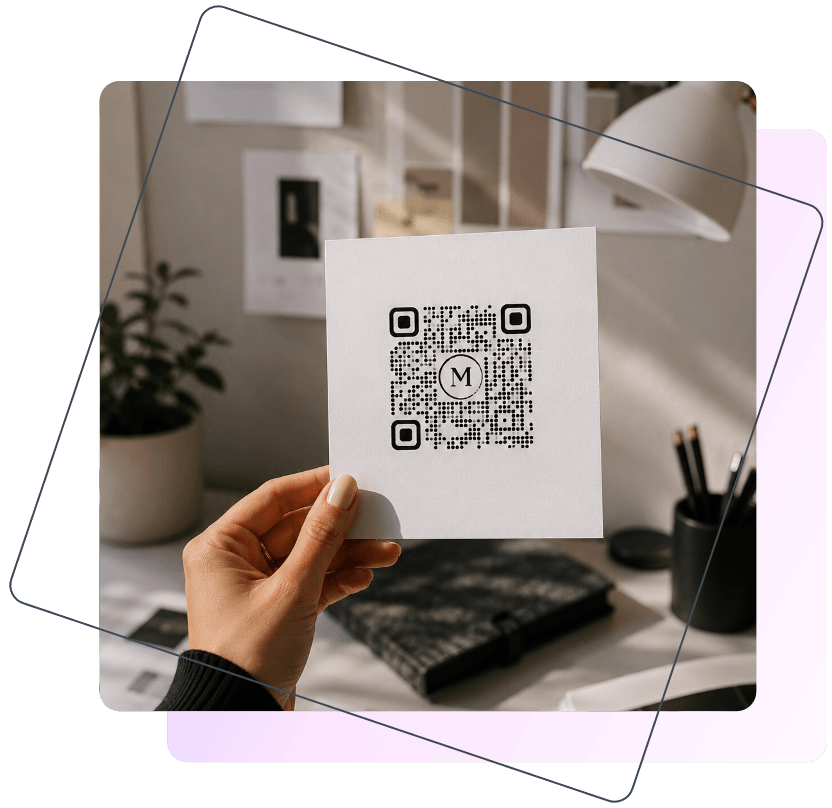
A QR code with a logo can still scan correctly because QR technology includes an error correction system. This feature allows scanners to restore part of the missing information even if some modules are covered or damaged. That is why many brands successfully place logos inside their QR codes without breaking functionality.
At the same time, the logo size must remain balanced. If the central image becomes too large, it may cover critical data areas and reduce QR code readability. Designers should also avoid modifying the three corner markers, often called the QR code “eyes,” because scanners rely on them to determine orientation and structure during the scanning process.
Understanding ME-QR Readability Statuses
Creating a visually attractive QR code is not enough to guarantee reliable scanning. Even professional-looking designs may contain technical issues that affect readability on different devices. This is why readability warnings are important, especially for businesses using custom QR code designs in print advertising, packaging, menus, or outdoor campaigns.
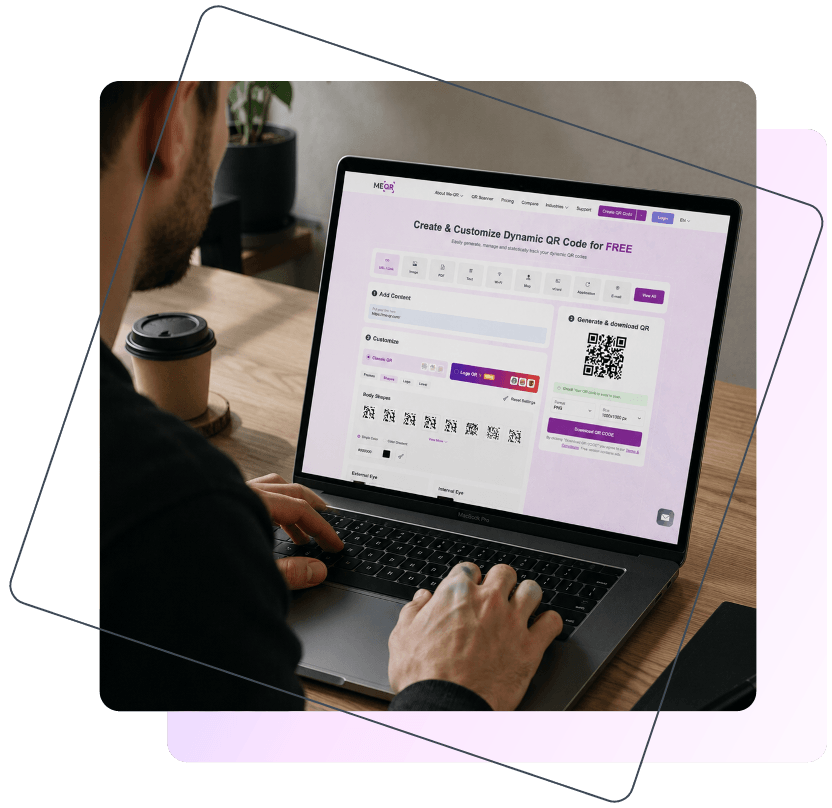
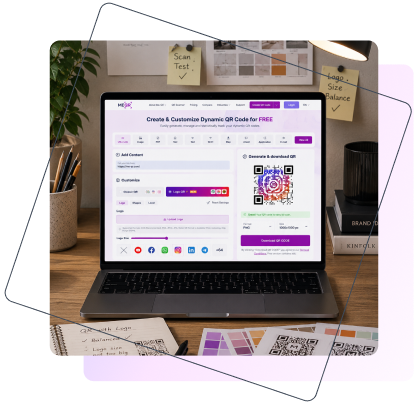
To help users avoid QR code scanning issues, ME-QR automatically analyzes QR code scanability during the creation process. The system evaluates factors such as contrast, structure, and customization level, then assigns one of several readability statuses that indicate how easily the code can be scanned in real-world conditions.
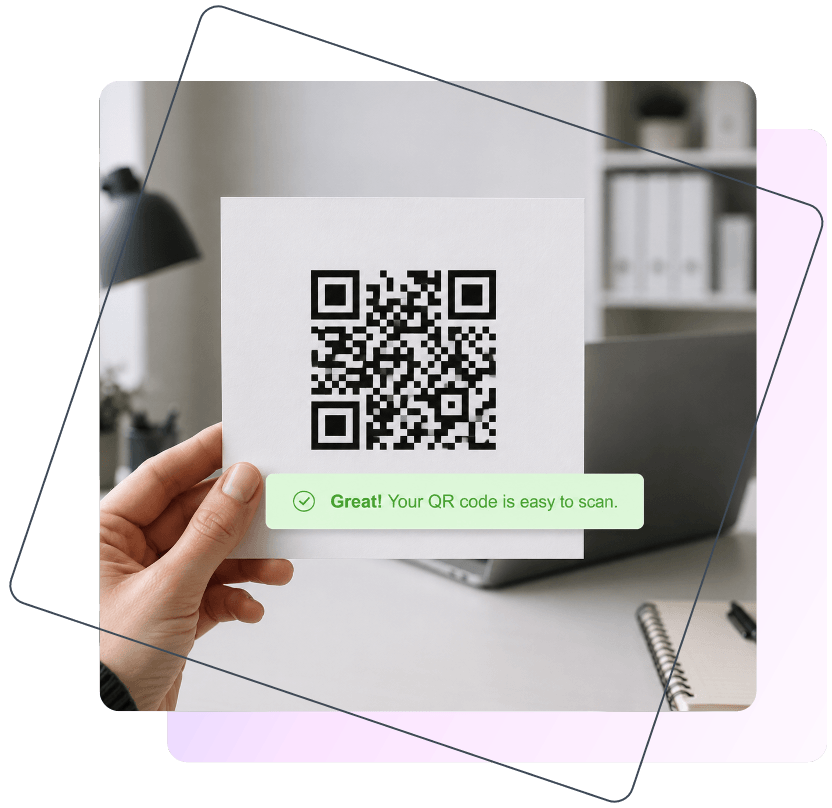
“Great! Your QR code is easy to scan.”
This status means the QR code has strong technical readability and should work reliably across most devices.
- High contrast and clear structure.
- Reliable scanning on most smartphones.
- Suitable for both print and digital use.
“Good! Your QR code is readable.”
This status indicates that the QR code is functional but may contain moderate design risks.
- The QR code still scans correctly.
- Usually related to softer colors or heavier customization.
- Recommended to test before publishing or printing.
“Hard to scan. Use more contrast colors.”
This warning appears when the design significantly reduces scanability.
- Low contrast negatively affects QR code readability.
- Some devices may fail to recognize the code.
- Design adjustments are recommended before use.

How To Create a Scannable QR Code
A good QR code should not only match your brand identity but also remain easy to scan in real-world conditions. Many custom QR code designs fail because users focus too much on appearance and forget about technical readability. Even small improvements in contrast, spacing, or testing can significantly improve scan performance across different devices.
The safest approach is to combine branding with functionality instead of treating them as separate goals. A visually attractive QR code can still work perfectly if the basic scanability principles remain untouched.
Quick QR Code Design Tips
If you want to avoid common QR code scanning issues, follow these practical recommendations:
- use strong contrast between the background and QR code elements;
- avoid overly complex decorations and keep the structure clean;
- leave enough empty space around the code for easier detection;
- do not make logos too large or cover the corner markers;
- test the QR code on multiple smartphones before publishing;
- always check scanability before printing marketing materials.
Even a small design adjustment can dramatically improve QR code readability and reduce failed scans.
How To Test a QR Code Before Publishing
Testing is one of the most important stages of QR code creation, especially for print campaigns where mistakes can become expensive. A code that works perfectly on one device may still fail on another smartphone with different camera quality or software.
Before publishing a QR code, it is recommended to:
- test the code on both iPhone and Android devices;
- print a sample version to verify real-world scanability;
- check the QR code under different lighting conditions;
- perform a QR code scanner test before mass printing;
- use the readability checker in ME-QR to identify potential risks.
These simple steps help prevent situations where users later ask why does my QR code not scan after the campaign has already been launched.
Why QR Code Readability Impacts Business Results
For businesses, QR codes are not just technical tools — they are part of the customer journey. When a QR code fails to scan, users often lose interest immediately instead of trying again. In marketing campaigns, even a small number of failed scans can reduce engagement, traffic, and conversions. This is why QR code readability directly affects campaign performance and user experience.
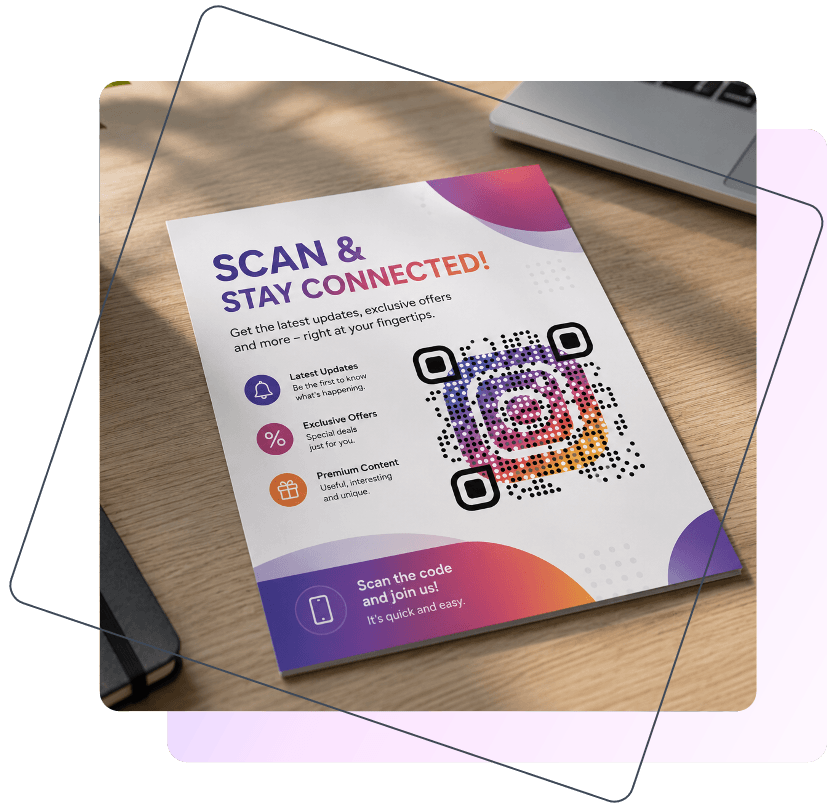
Many companies invest heavily in custom QR code designs to make advertising materials more visually appealing, but poor scanability can completely cancel out these efforts. A QR code that looks attractive but creates QR code scanning issues may prevent users from reaching websites, menus, registration pages, or promotional offers.
Reliable scanability is especially important in industries where customers expect instant access to information or services. QR codes are widely used in:
- product packaging;
- restaurant menus;
- outdoor advertising;
- event tickets;
- business cards.
In all of these cases, users typically scan QR codes quickly and under imperfect conditions, such as low lighting, movement, or large distances. This is why businesses should always test QR codes carefully and avoid designs that become hard to scan in real-world environments
An effective QR code should do more than simply look attractive. The best custom QR code designs combine visual branding with strong technical readability, allowing users to scan the code quickly and without frustration. Even small design decisions — such as color contrast, logo size, or background choice — can significantly affect scan success rates.
Because of this, QR code readability should always be tested before publishing marketing materials, printing packaging, or launching advertising campaigns. Identifying potential problems early helps businesses avoid lost scans, lower engagement, and poor user experience.
To make this process easier, ME-QR includes built-in readability statuses that help users detect risky designs and improve scanability before using a QR code in real-world conditions. Whether you are creating a simple code or experimenting with creative QR code design, testing scan performance remains one of the most important steps in the entire process.

Frequently Asked Questions
A QR code may stop working because of poor contrast, excessive customization, broken quiet zones, or oversized logos. Many custom QR code designs look visually appealing but become difficult for smartphone cameras to recognize, especially in плохом освещении or after printing.