


QR Code Templates

QR Code for All-in-One Payment
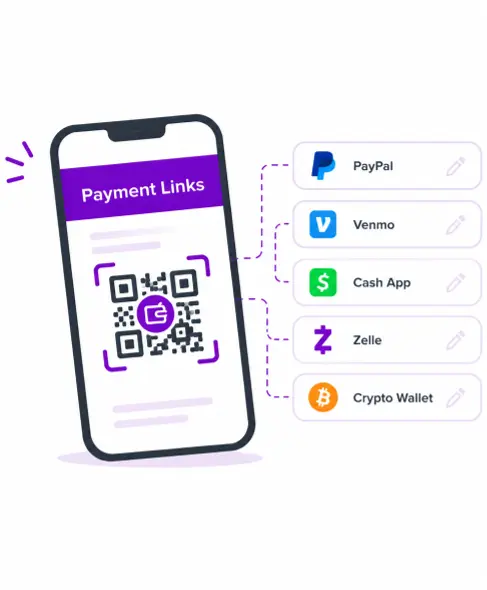
A Multi-Payment QR Code — also known as an all-in-one payment QR code or an all-in-one QR code for payment — is a single scannable code that leads to a landing page listing several payment options at once: PayPal, Venmo, Cash App, Zelle, crypto wallets, and more. Instead of displaying only one payment method, you can let customers scan the code and choose the service they already use and trust. From there, they're taken directly to that service's own payment page to complete the transaction.
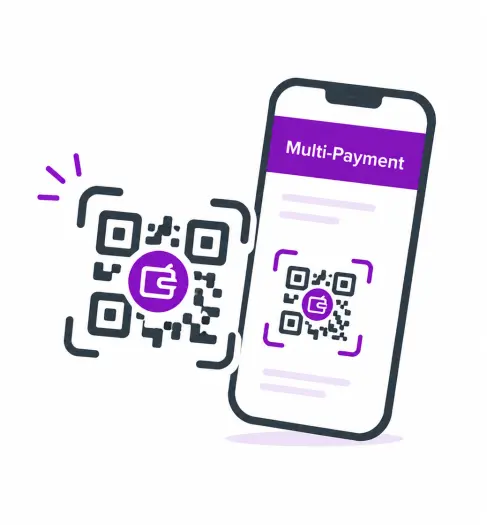
What This Generator Creates
This generator is built for anyone currently juggling separate QR codes for every payment app they accept — small business owners, freelancers collecting payments from clients on different platforms, or event organizers running a donation table. Set it up once, and customers can use one QR code for all payment methods you provide, rather than searching for the right code among several.
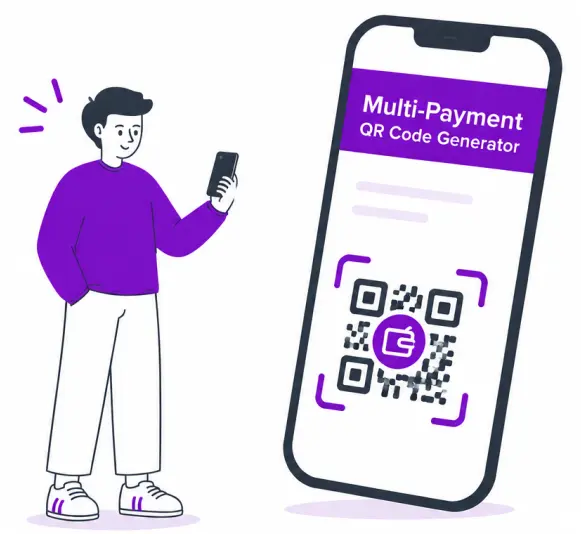
Add Your Payment Links
Creating a Multi-Payment QR Code with ME-QR gives you full control over how your payment options are presented — building a single QR code for all payment services you accept, from major apps to bank and donation pages:
-
1
QR Code Name (optional)
Internal label so you can identify and manage this code later in your ME-QR dashboard, especially useful if you create multiple codes for different events, locations, or invoices.
-
2
Payment System Block
Create a separate block for each payment method you want to display. Each block includes:
- Payment URL (required) — the direct payment link for the selected service, such as a PayPal payment link, Cash App payment URL, donation page, bank payment page, or supported crypto payment link.
- Logo (optional) — upload your own logo for the payment service, or choose from a built-in list of recognizable payment icons so customers instantly know what each button represents.
- Payment System Name (optional) — a custom label shown beneath or beside the button, such as "PayPal," "Venmo," or "Bitcoin Wallet".
-
3
Add another payment system
Build an all-in-one QR code to accept payments from bank payment pages, regional wallets, payment apps, donation service links, supported crypto payment links, or any other payment link relevant to your business, all displayed clearly on one landing page.
ME-QR does not process payments or store payment credentials. The QR code opens a landing page with the payment links you provide, and the transaction itself is completed through the selected third-party payment service.
Generate, Customize, and Test
Once your payment links are added, click Customize & Download QR. From there you can:
-
 Adjust colors, shapes, frames, or add your logo to match your brand identity.
 -
 Preview how the payment landing page will look before publishing.
 -

Scan the generated code yourself before putting it into use to confirm that it leads to the correct payment landing page and that each button works as expected.
Editing After You've Created It
Because ME-QR Multi-Payment QR Codes are dynamic, you can update, add, or remove payment links and logos at any time without changing the actual QR code image — so previously printed codes continue to work correctly. Need to update a payment link, swap a logo, or add a new payment method? No problem: edit it in your dashboard, and you never need to reprint signage or invoices when your payment details change.
Why Use a Multi-Payment QR Code?
-

Reduce Payment Friction
Offering several payment options can reduce situations where customers abandon a purchase because they do not use the displayed service. -
One Code Instead of Many
Rather than printing and managing various QR code payment methods separately — one for payment apps, another for bank pages, another for donation services or crypto links — you maintain a single multi-payment QR code. This keeps your signage, invoices, and product packaging clean and avoids confusing customers with multiple QR code payment options scattered across the same space. -
Professional, Organized Checkout
A well-designed payment landing page with your branding, logo, and consistent layout looks far more professional than a handwritten sign listing five different usernames. It builds trust and makes customers more comfortable completing a transaction with you. -
Works Anywhere You Need to Get Paid
From a market stall to an invoice, a tip jar to a fundraising table, a universal payment QR code adapts to nearly any situation where you need to collect money without committing to a single payment provider. -
Trackable Performance
See how many people scanned your code and which payment option buttons they clicked. This data helps you understand customer preferences and refine which payment options to prioritize.
Use Cases For Multi-Payment QR Codes
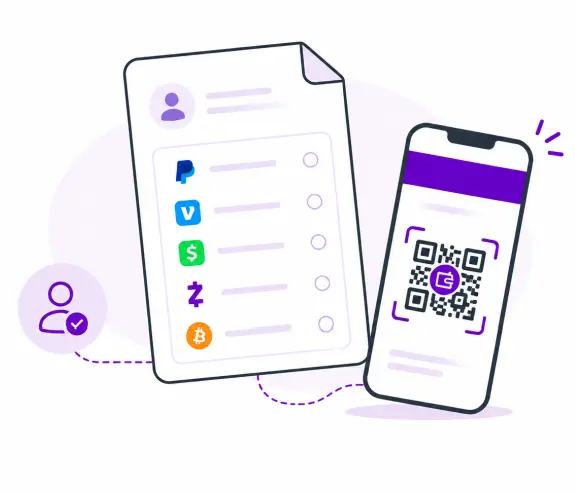
Freelancers and Independent Creators
Designers, photographers, consultants, and other freelancers often work with clients who each have a preferred payment method. Instead of asking every client which app they use and sending a separate request each time, freelancers can share one QR code linking to all their payment options on an invoice, portfolio site, or email signature, letting clients choose their preferred payment method.
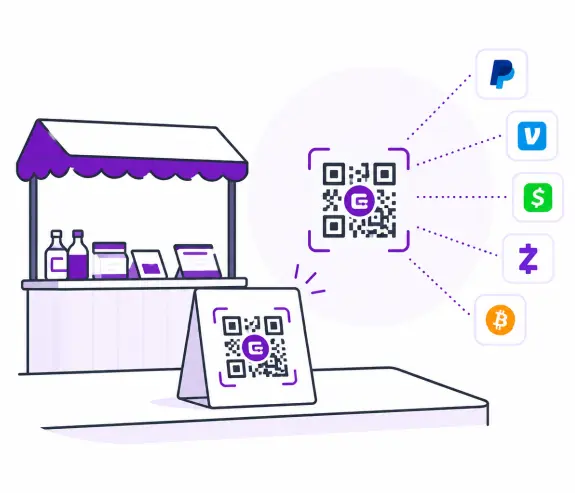
Small Businesses and Pop-Up Shops
Retailers, food trucks, and pop-up vendors can benefit from offering multiple payment options without needing several card readers or apps open at once. A personalized multi-business payment QR code sign — sometimes called a multi-payment QR code sign — displayed at the register or table lets customers pay however they prefer, helping simplify checkout and reduce payment-method mismatches.
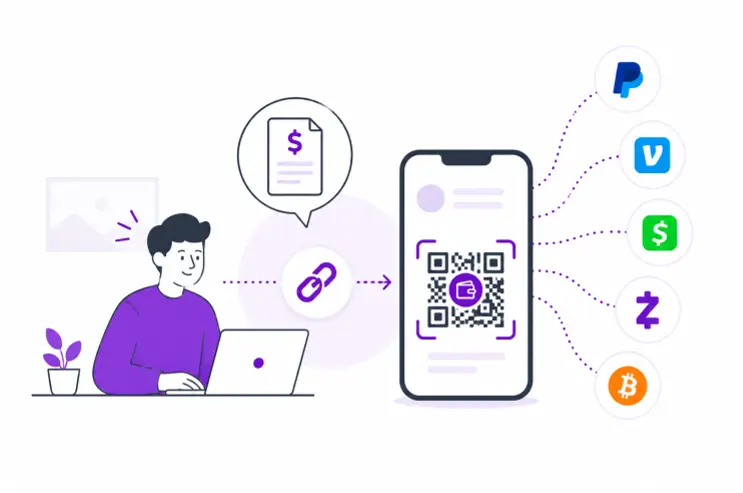
Street Vendors and Market Stalls
For vendors selling at farmers markets, craft fairs, or street festivals, a printed all-payment QR code on a sign or table tent means no separate card terminal is required — customers can scan the code with their phone and open their preferred payment service. Buyers select their preferred app and proceed to payment.
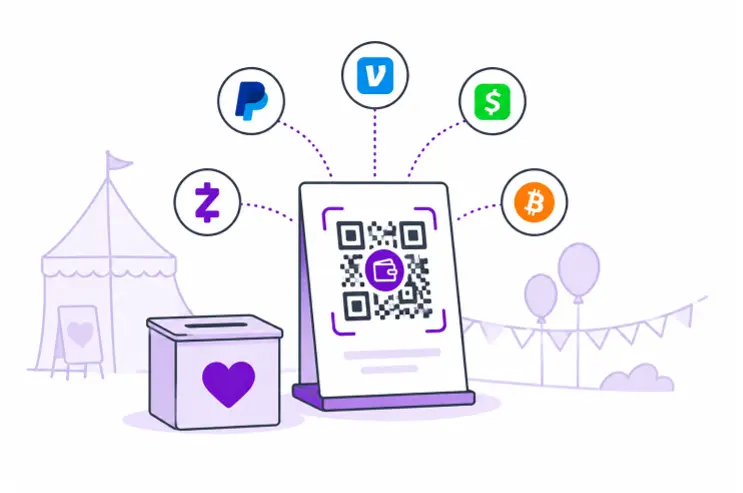
Events, Fundraisers, and Donation Drives
Event organizers and nonprofits can place a multi-QR-code payment sign on donation boxes, registration desks, or event banners instead of relying on multiple QR code payments side by side, allowing attendees to contribute or pay entry fees using whichever payment service they're most comfortable with.
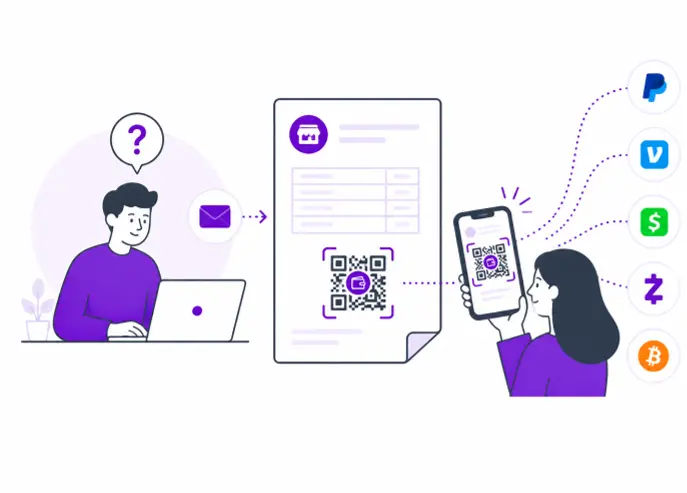
Invoices and Service Payments
When the payer's preferred payment method is unknown, embedding a multi-payment QR code directly on an invoice removes the back-and-forth of asking "how would you like to pay?" The recipient simply scans and picks.
Why Is ME-QR the Best Multi-Payment QR Code Generator?
Looking for a reliable way to create and manage a multi-payment QR code? Here are the key features available with ME-QR:
-

Dynamic QR Codes Edit your code's destinations without changing the code itself, so updates never mean reprinting.
-

Trackable and Analytics-Ready See scan counts and which payment option buttons customers clicked.
-

Custom Branding Personalize your code with your logo, brand colors, and design elements; a branded, professional-looking code helps create a consistent and professional appearance.
-

Flexible Payment Options Add multiple payment system blocks to the same landing page, each with its own link, logo, and label.
-

Multiple QR Code Types in One Platform Beyond multi-payment codes, ME-QR also supports QR codes for links, vCards, social media, Wi-Fi, and more, all manageable from a single dashboard.
If you’re looking to simplify how you get paid – whether at a market stall, on an invoice, or at a fundraising event – a Multi Payment QR Code is an essential tool that makes transactions faster, easier, and more flexible for everyone involved. From PayPal and Venmo to crypto wallets, a single scan can transform how customers, clients, and supporters pay you. And with ME-QR, you get a powerful, easy-to-use Multi-Payment QR Code generator that ensures no sale is lost to a payment mismatch again.
Start Accepting Every Payment Method
So why wait? Create one QR code for all payment apps you accept and give customers a convenient way to choose from the payment methods you provide. With ME-QR, setting up your payment landing page takes just a few minutes — no design skills needed, and no more printing a new code every time you add a payment service.
FAQ
Was This Article Helpful?
Click on a star to rate it!
Thank you for your vote!

Be the first to rate this post!














