Best QR Code Platforms for Wi-Fi Access Sharing
To create a QR code for a link, video or picture - click on the button below.

- Why Wi-Fi QR Codes Are Essential Today
- Core Benefits of Using Wi-Fi QR Codes
- Top Platforms to Generate Wi-Fi QR Codes
- Quick Comparison of Wi-Fi QR Code Platforms
- How to Create Wi-Fi QR Codes Step by Step
- Design and Branding Considerations
- Best Practices and Security Tips
- Frequently Asked Questions about QR Code Platforms for Wi-Fi Access Sharing
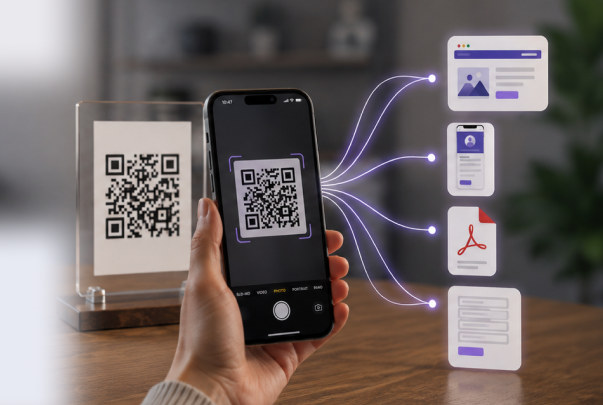
Connecting to Wi-Fi should be fast, secure, and hassle-free—but typing long passwords or sharing them verbally can be inconvenient and error-prone. WI-FI QR code technology solves this problem by letting users join networks instantly with a simple scan. From small home networks to busy cafés and offices, QR codes streamline access while keeping networks protected. Static codes work well for permanent networks, while dynamic QR codes provide temporary or guest access with real-time management and tracking.
Using a robust WI-FI QR code generator, developers and administrators can create codes that function seamlessly across devices and platforms. These tools often allow customization of colors, logos, and layouts, while dynamic codes can track scan activity, redirect users, or update access without reissuing the code. Leading platforms providing these capabilities include WI-FIQRCode, QRStuff, Boldsign, Vuzix, QRcode.tec-it, QRLab, and EnqodeQR.
Why Wi-Fi QR Codes Are Essential Today
Wi-Fi QR codes have become a vital tool for simplifying network access while maintaining security. WI-FI QR code technology allows administrators and users to avoid typing complex passwords, streamlines onboarding, and ensures seamless connectivity for both home and business networks. From static codes for permanent networks to dynamic codes for temporary guest access, these QR codes improve efficiency, user satisfaction, and network management.
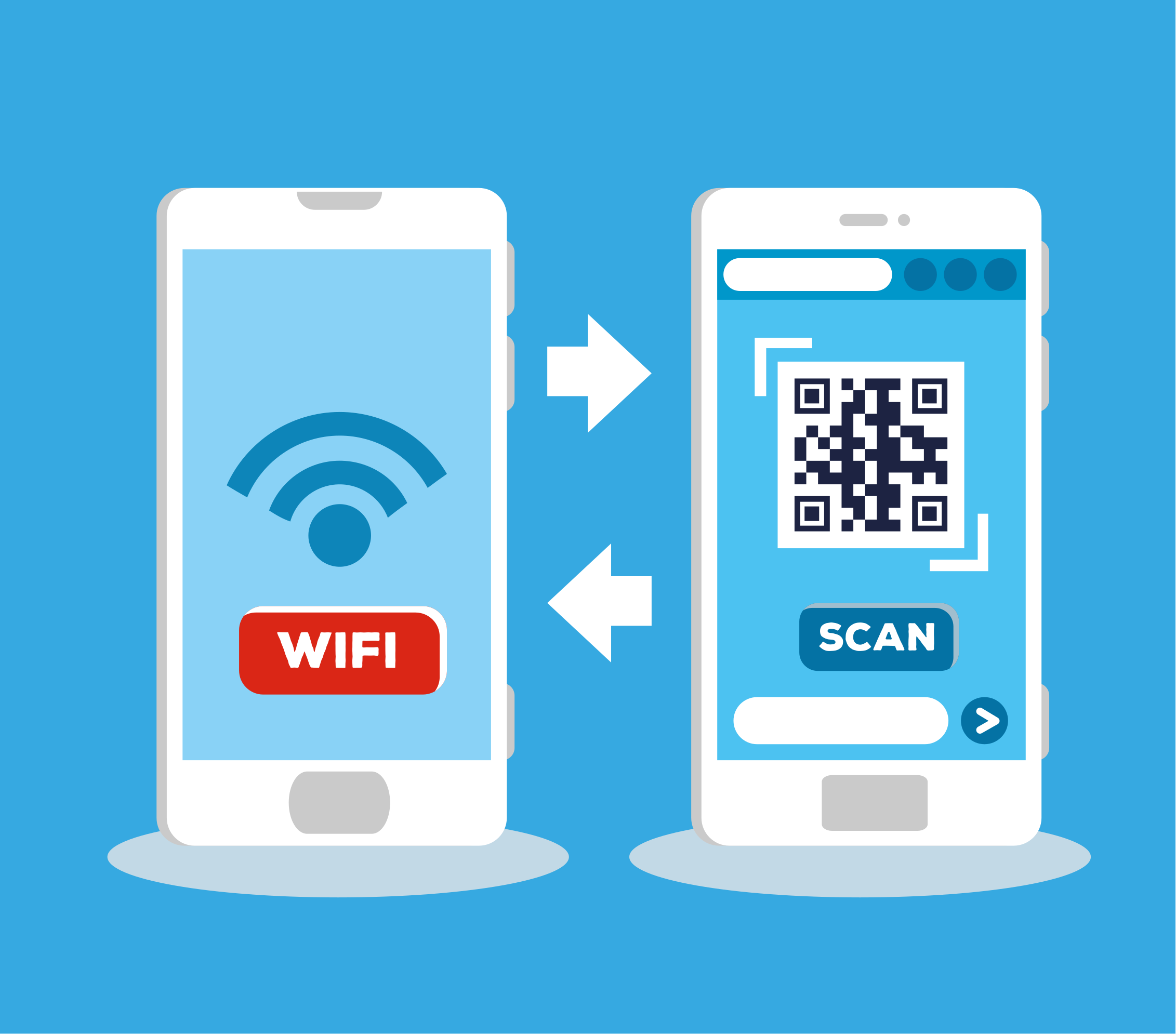
Convenience for Guests and Users
Using a WI-FI connect QR code allows visitors to join networks instantly without entering complex passwords. For home networks or small businesses, this reduces frustration and ensures a smoother experience. Static codes work well for permanent setups like office networks, whereas dynamic codes provide temporary access with added tracking.
Key benefits for guests and users include:
- Quick access without typing passwords.
- Compatibility across devices (iOS, Android, laptops).
- Reduced support queries for network access.
Applications in Business and Public Spaces
Businesses and public venues can streamline access for customers using QR codes. Cafes, restaurants, hotels, and conference centers benefit from how do i make a QR code for my WI-FI, which enables staff to provide quick, secure connections to multiple devices. Dynamic codes also help track usage patterns and improve network management without compromising security.
Advantages Over Traditional Password Sharing
QR codes reduce human error and improve security by eliminating the need to verbally share passwords. With make QR code WI-FI, network administrators can design QR codes for branding, incorporate logos, and create visually appealing templates. Dynamic codes allow real-time updates and even revoke access when needed, providing full control over guest or temporary connections.
Core Benefits of Using Wi-Fi QR Codes
Wi-Fi QR codes provide fast and secure access while simplifying network management. Using a guest WI-FI QR code, administrators can offer instant connectivity without manually sharing passwords, making it ideal for offices, cafes, hotels, and public venues. Both static codes for permanent networks and dynamic codes for temporary or personalized access ensure convenience, efficiency, and control over who connects to your network.
Key advantages for users:
- Quick connection without typing passwords.
- Seamless access across smartphones, tablets, and laptops.
- Reduced errors when entering network credentials.
- Ability to connect multiple devices instantly with a single scan.
Benefits for administrators and businesses:
- Easily manage access for multiple devices and guests.
- Dynamic codes allow monitoring of usage, scan counts, and network performance.
- Time-limited or temporary dynamic codes enhance security for short-term visitors.
- Customizable codes support branding, logos, and visually appealing designs.
- Simplified network management reduces support requests and staff intervention.
By leveraging connect to WI-FI via QR code, businesses can offer a frictionless experience for guests while maintaining full control and visibility over network usage. Whether for long-term office networks or short-term event access, Wi-Fi QR codes streamline connectivity while improving security, efficiency, and user satisfaction.

Top Platforms to Generate Wi-Fi QR Codes
Generating Wi-Fi QR codes is quick and efficient with specialized platforms. These tools enable both static and dynamic codes, customizable designs, and seamless device compatibility. Below are top platforms for creating Wi-Fi QR codes, showing their features, pros, and ideal use cases.
1. ME-QR
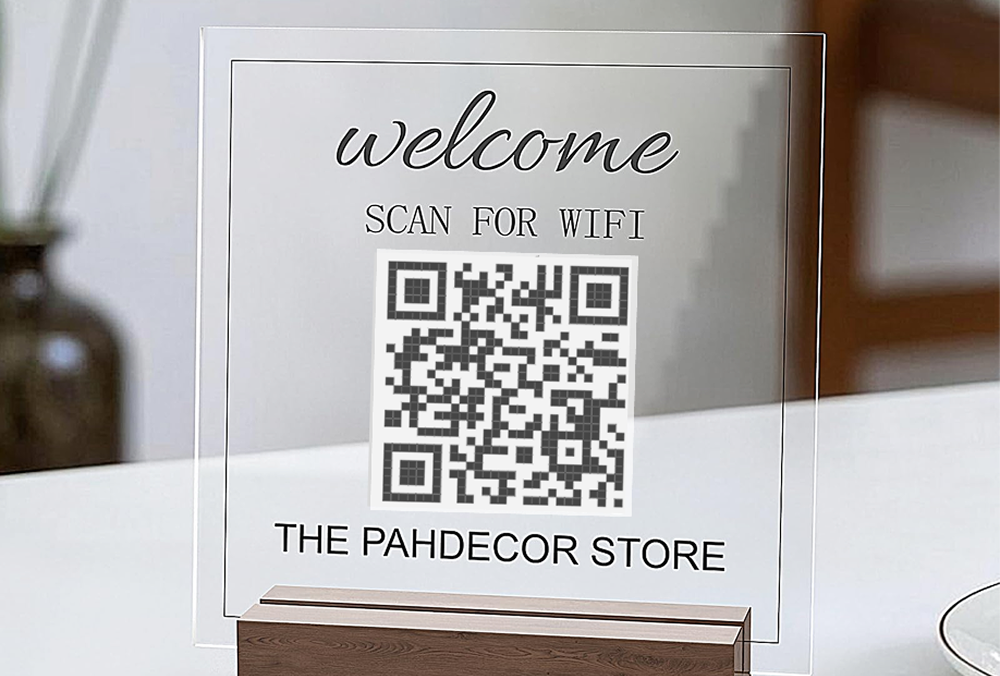
ME‑QR provides a comprehensive WI-FI QR code generator supporting both static and dynamic QR codes. Static codes are ideal for permanent networks like office Wi-Fi, while dynamic codes allow temporary guest access, tracking scans, and analytics. Developers can fully customize logos, colors, and frames, and integrate via Java, PHP, or JavaScript SDKs. Its dashboard also provides analytics for dynamic codes, helping businesses monitor usage and optimize network access efficiently.
Highlights:
- Bulk WI-FI QR code generation for large deployments.
- Dynamic QR codes with real-time updates.
- Branding customization: logos, colors, frames.
- Analytics dashboard for scan tracking.
- Works across devices and platforms.
Limitations:
- Advanced analytics require a paid plan.
- Smaller projects may not use the full feature set.
Best for: Businesses, cafes, hotels, and developers needing a full-featured WI-FI QR code generator with static and dynamic options.
2. QRStuff
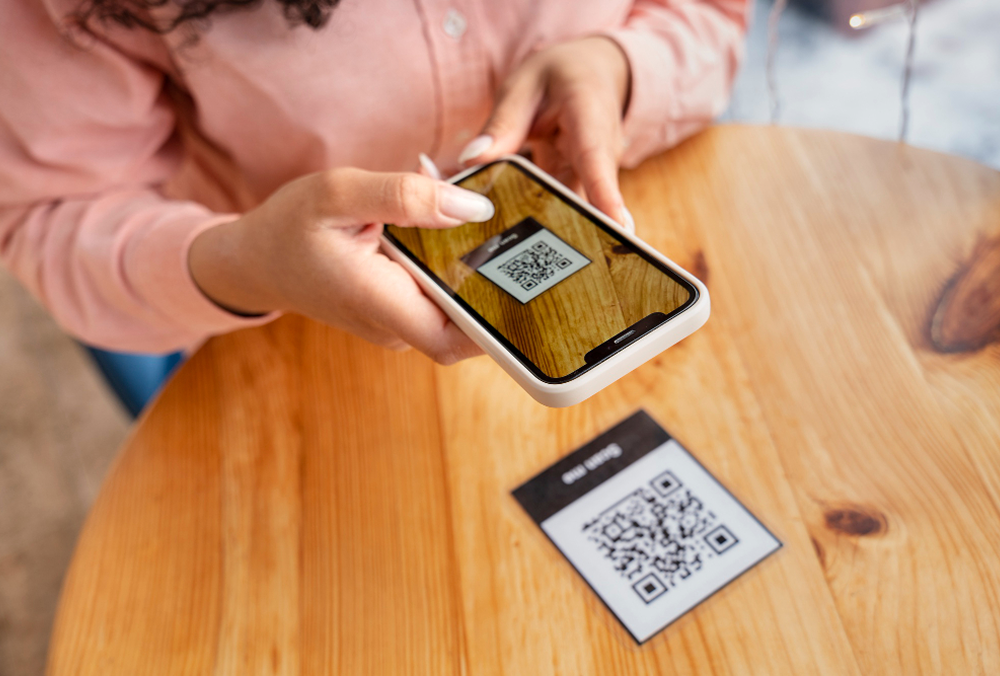
QRStuff is a versatile QR code WI-FI generator supporting Wi-Fi QR codes along with URLs, contact info, and other content. Users can customize colors, embed logos, and create visually distinct codes. The platform provides both free and paid options, making it suitable for personal use, small businesses, or moderate-scale deployments.
Highlights:
- Supports multiple QR types, including WI-FI QR code.
- Customizable designs and templates.
- Free and paid plans available.
Limitations:
- Dynamic QR codes are limited.
- Advanced customization requires a paid account.
Best for: Users needing QR code WI-FI alongside other QR content types.
3. Boldsign
Boldsign provides static and dynamic WI-FI QR code solutions primarily for small businesses and office environments. The platform offers basic analytics and allows customization with logos and colors. Dynamic codes enable temporary guest access and limited tracking.
Highlights:
- Dynamic guest WI-FI QR code for temporary access.
- Basic scan tracking and analytics.
- Customizable branding options.
Limitations:
- Not suitable for high-volume deployments.
- Limited SDK or API integration options.
Best for: Small offices or businesses wanting a branded guest WI-FI QR code with basic analytics.

4. Vuzix
Vuzix focuses on WI-FI QR code generator for smart glasses and specialized devices. It provides static and dynamic Wi-Fi codes that work seamlessly with Vuzix hardware, making it ideal for enterprise or industrial applications.
Highlights:
- Works on Vuzix smart devices.
- Supports guest networks and temporary codes.
- Simple QR code creation for Wi-Fi access.
Limitations:
- Device-specific focus limits general use.
- Minimal analytics and customization.
Best for: Enterprises or developers targeting Vuzix smart devices with WI-FI QR code generator.
5. TEC-IT
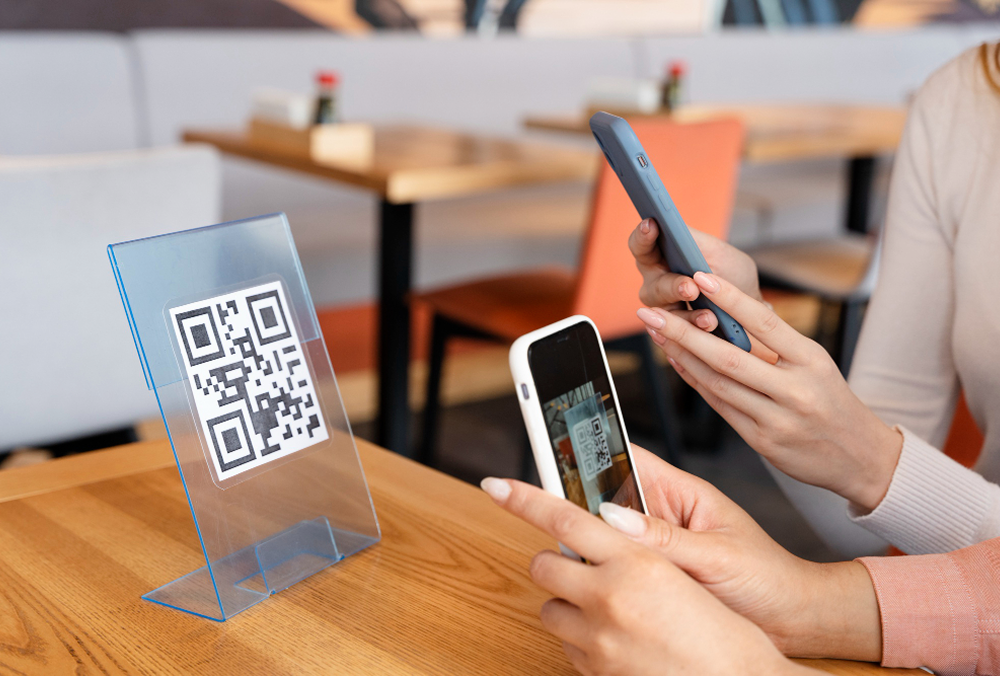
QRcode.tec-it is a robust WI-FI QR code generator supporting both static and dynamic codes. Users can customize designs, embed logos, and use templates. The platform works across multiple devices and supports moderate-scale deployments, making it suitable for businesses seeking reliable Wi-Fi QR code solutions.
Highlights:
- Supports static and dynamic WI-FI QR code.
- Customizable design templates and branding.
- Multi-platform support.
Limitations:
- Some dynamic features require paid plans.
- Bulk creation is limited to the free tier.
Best for: Users needing a WI-FI QR code generator with moderate customization and dynamic options.
6. QRLab
QRLab allows quick creation of static and temporary WI-FI QR code for offices, cafes, or home networks. The platform supports minimal branding and provides basic scan tracking. Its simplicity makes it accessible for users who do not need advanced analytics or bulk generation.
Highlights:
- Quick creation of WI-FI QR code.
- Supports guest and temporary networks.
- Basic design customization.
Limitations:
- Limited analytics and no advanced dynamic features.
- Free tier has constraints on the number of codes.
Best for: Small offices or home users needing a simple WI-FI QR code.

7. EnqodeQR
EnqodeQR supports WI-FI QR code generator for permanent and guest networks. Users can create dynamic codes with limited scan tracking and basic branding options, making it suitable for small businesses or cafes.
Highlights:
- Dynamic QR codes for guest access.
- Limited analytics tracking.
- Supports simple branding: colors and logos.
Limitations:
- Bulk generation and advanced analytics require subscription.
- Less suitable for large-scale deployments.
Best for: Businesses or cafes needing an easy-to-use WI-FI QR code generator.
8. WI-FIQRCode
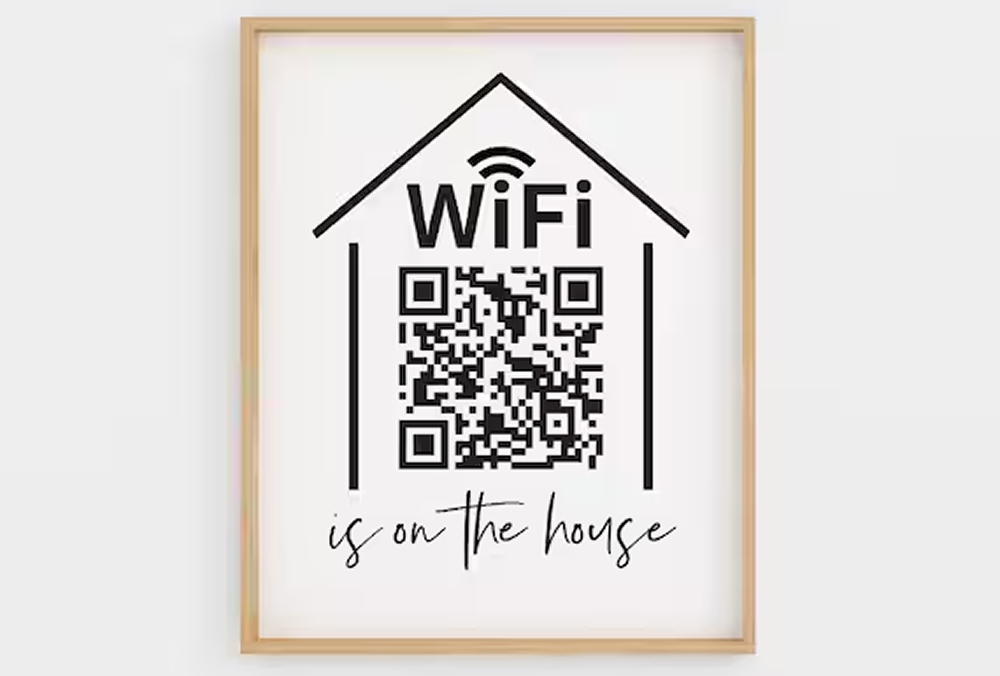
WI-FIQRCode specializes exclusively in WI-FI QR code, offering fast generation of static codes for home or small business networks. While the platform is simple and easy to use, it does not provide analytics or dynamic QR code options.
Highlights:
- Fast creation of WI-FI QR code.
- Supports password-protected networks.
- Ideal for small-scale or home setups.
Limitations:
- Only supports Wi-Fi QR codes.
- No analytics or dynamic features.
Best for: Home users or small businesses needing a static WI-FI QR code quickly.
9. Stendec
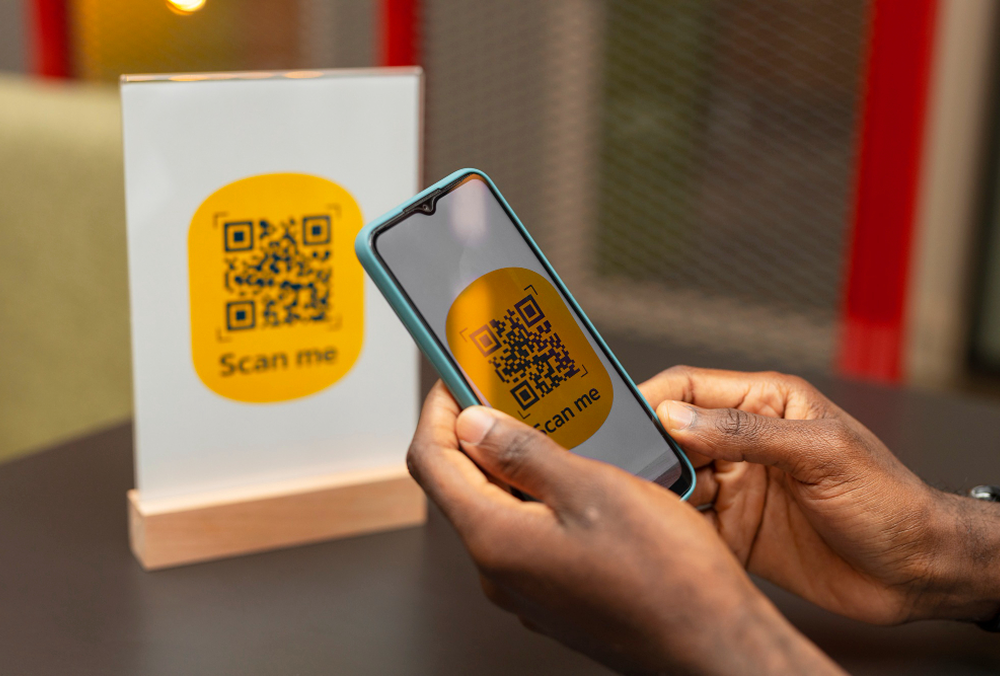
Stendec provides a straightforward WI-FI QR code generator that allows users to quickly create static QR codes for wireless networks. The platform focuses on simplicity and fast generation, making it suitable for small businesses, cafes, or home environments that need quick Wi-Fi sharing. Users can generate QR codes by entering SSID, password, and encryption type.
Highlights:
- Fast creation of WI-FI QR codes.
- Simple interface requiring minimal setup.
- Works on multiple devices and browsers.
- No account required for basic usage.
Limitations:
- Supports only static QR codes.
- No analytics, tracking, or dynamic QR functionality.
- Minimal design customization.
Best for: Users needing a quick and simple WI-FI QR code generator without advanced features.
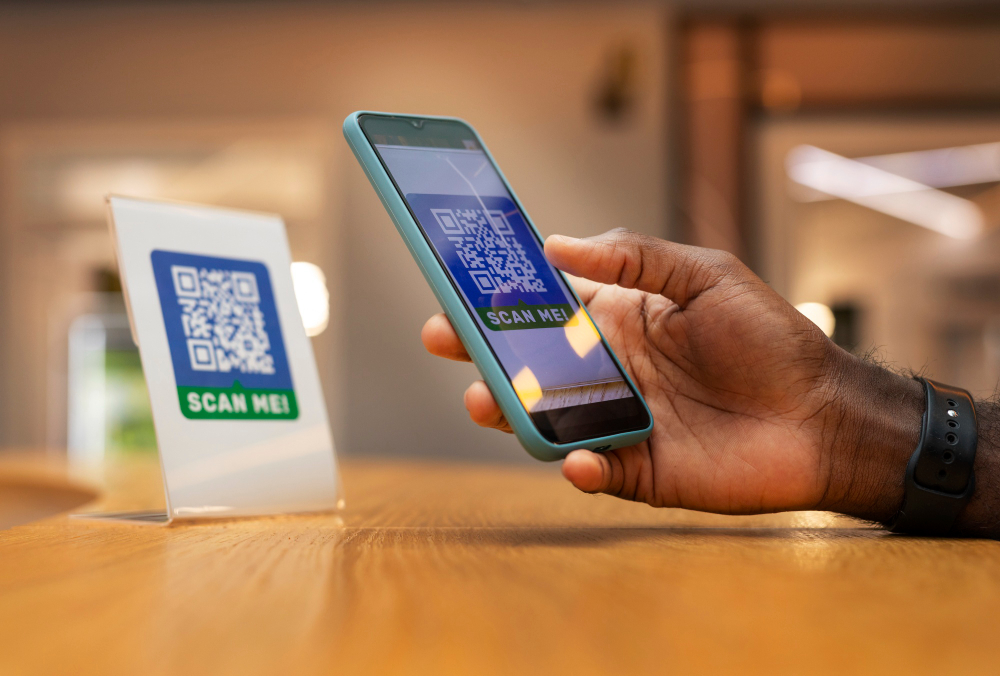
10. MyQRCode
MyQRCode offers a flexible WI-FI QR code generator supporting both static and dynamic QR codes. Users can create branded QR codes with custom colors, logos, and frames. Dynamic QR codes allow updates to network information and provide scan analytics, making them suitable for businesses managing guest Wi-Fi access.
Highlights:
- Supports both static and dynamic WI-FI QR codes.
- Brand customization with logos, colors, and frames.
- Scan analytics and usage tracking.
- Bulk QR code generation for larger deployments.
Limitations:
- Advanced analytics available only in paid plans.
- Some customization features require a subscription.
Best for: Businesses and marketers needing a branded WI-FI QR code generator with analytics and dynamic capabilities.
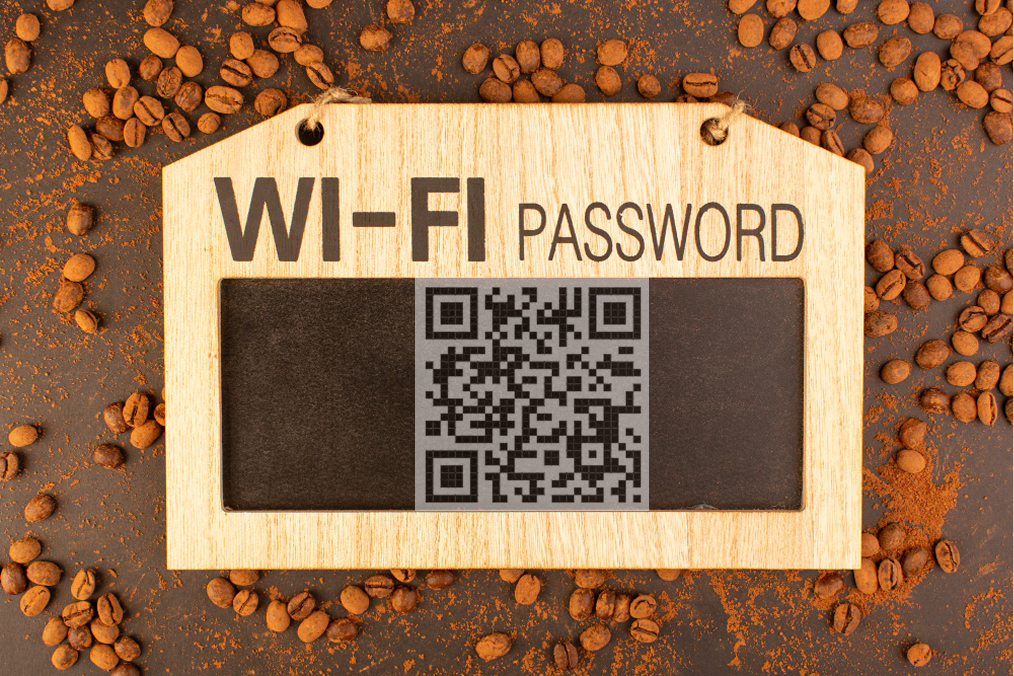
11. OnlineQRCode
OnlineQRCode provides a simple web-based WI-FI QR code generator designed for quick creation of QR codes without registration. Users can generate static Wi-Fi QR codes by entering network details and instantly download them for printing or sharing.
Highlights:
- Quick generation of static WI-FI QR codes.
- No registration required.
- Easy download and sharing options.
- Compatible with most devices and browsers.
Limitations:
- Static QR codes only.
- No analytics, scan tracking, or dynamic features.
- Limited design customization.
Best for: Individuals or small businesses needing a fast and free WI-FI QR code generator.
12. QR-Stock
QR-Stock offers a basic WI-FI QR code generator suitable for small-scale use. The platform allows users to create static QR codes for wireless networks and download them for use in offices, cafes, or public spaces. Its straightforward interface focuses on fast code generation rather than advanced customization.
Highlights:
- Simple WI-FI QR code creation.
- Quick download for printing or digital sharing.
- Works across multiple browsers and devices.
Limitations:
- Only static QR codes are supported.
- No analytics or dynamic QR features.
- Limited design and branding options.
Best for: Small businesses or personal users needing a quick static WI-FI QR code.
Quick Comparison of Wi-Fi QR Code Platforms
|
Platform
|
Type
|
Static QR
|
Dynamic QR
|
Free Plan
|
Paid Plan
|
Customization
|
Best For
|
|
ME-QR
|
Wi-Fi & Multi-purpose
|
✅
|
✅
|
✅
|
✅
|
Logos, colors, frames
|
Businesses, cafes, hotels, developers
|
|
QRStuff
|
Multi-purpose
|
✅
|
Limited
|
✅
|
✅
|
Colors, logos
|
Users needing Wi-Fi and other QR types
|
|
Boldsign
|
Business / Office
|
✅
|
✅
|
✅
|
✅
|
Logos, colors
|
Small businesses and offices
|
|
Vuzix
|
Smart devices |
✅
|
✅
|
✅
|
✅
|
Minimal
|
Enterprises using Vuzix smart devices
|
|
QRcode.tec-it
|
Multi-purpose
|
✅
|
✅
|
✅
|
✅
|
Templates, colors, logos
|
Businesses needing customizable Wi-Fi QR codes
|
|
QRLab
|
Office / Home
|
✅
|
Limited
|
✅
|
✅
|
Basic colors
|
Small offices and home users
|
|
EnqodeQR
|
Business / Cafe
|
✅
|
✅
|
✅
|
✅
|
Logos, colors
|
Cafes and small businesses
|
|
Cafes and small businesses
|
Wi-Fi only
|
✅
|
❌
|
✅
|
❌
|
Minimal
|
Home users and small networks
|
|
Stendec
|
Wi-Fi only
|
✅
|
❌
|
✅
|
❌
|
Minimal
|
Quick static Wi-Fi QR creation
|
|
MyQRCode
|
Marketing / Business
|
✅
|
✅
|
✅
|
✅
|
Logos, colors, frames
|
Businesses needing branded Wi-Fi QR codes
|
|
OnlineQRCode
|
Simple generator
|
✅
|
❌
|
✅
|
❌
|
Minimal
|
Individuals needing quick QR codes
|
|
QR-Stock
|
Simple generator
|
✅
|
❌
|
✅
|
❌
|
Minimal
|
Small businesses needing static Wi-Fi QR
|
How to Create Wi-Fi QR Codes Step by Step
Creating a Wi-Fi QR code is straightforward once you know your network details and the type of code you need. Using a how to create WI-FI QR code tool, you can quickly generate a code that allows devices to connect instantly without typing passwords. For temporary networks, a dynamic QR code can provide additional tracking and analytics, while static codes are ideal for permanent setups.
By customizing the design with logos, colors, and templates, you can make your QR codes both functional and visually appealing. Platforms that support WI-FI network QR code creation enable administrators and developers to share access securely, test scan functionality across devices, and ensure a seamless connection experience for guests or users.

Enter Network Information
To start, provide your network’s SSID, password, and security type. Accurate information ensures that devices can connect seamlessly without errors. Using a how to create WI-FI QR code tool, developers can generate QR codes that embed all necessary credentials, making onboarding fast and reliable.
Tips for network entry:
- Double-check the SSID and password for typos.
- Specify security type (WPA, WPA2, WEP) correctly.
- For guest networks, consider temporary passwords to enhance security.
Choose Static or Dynamic QR Code
Decide whether to generate a static or dynamic QR code based on your use case. Static codes are permanent, ideal for home or office networks, while dynamic codes allow updates, scan tracking, and analytics for monitoring usage. Platforms supporting guest WI-FI QR code creation or a dynamic QR code API provide flexibility for both temporary and ongoing network access.
Customize the Design
Enhance your QR code’s visual appeal by adding logos, adjusting colors, and selecting frames or templates. Tools with WI-FI QR code design, WI-FI QR code template, or WI-FI QR code image options let you maintain branding standards while ensuring the code remains scannable. Customization also improves recognition for staff, guests, or customers.
Design best practices:
- Maintain high contrast between code and background.
- Avoid cluttering the code with too many design elements.
- Test the QR code with multiple devices to confirm readability.
Generate and Share
Finally, generate your Wi-Fi QR code and distribute it. Download static codes or integrate dynamic codes into web pages, apps, or SaaS platforms. Always test scanning on different devices to ensure compatibility. Using a scan QR code WI-FI tool, users can instantly connect to WI-FI via QR code, streamlining access and reducing support requests.
Design and Branding Considerations
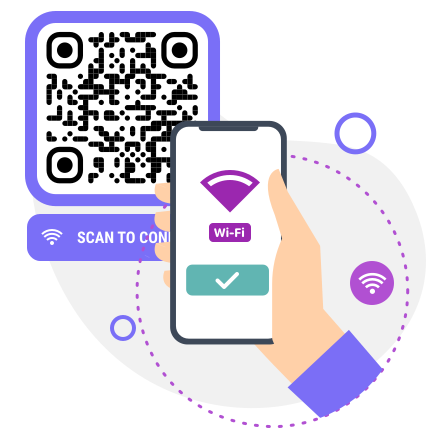
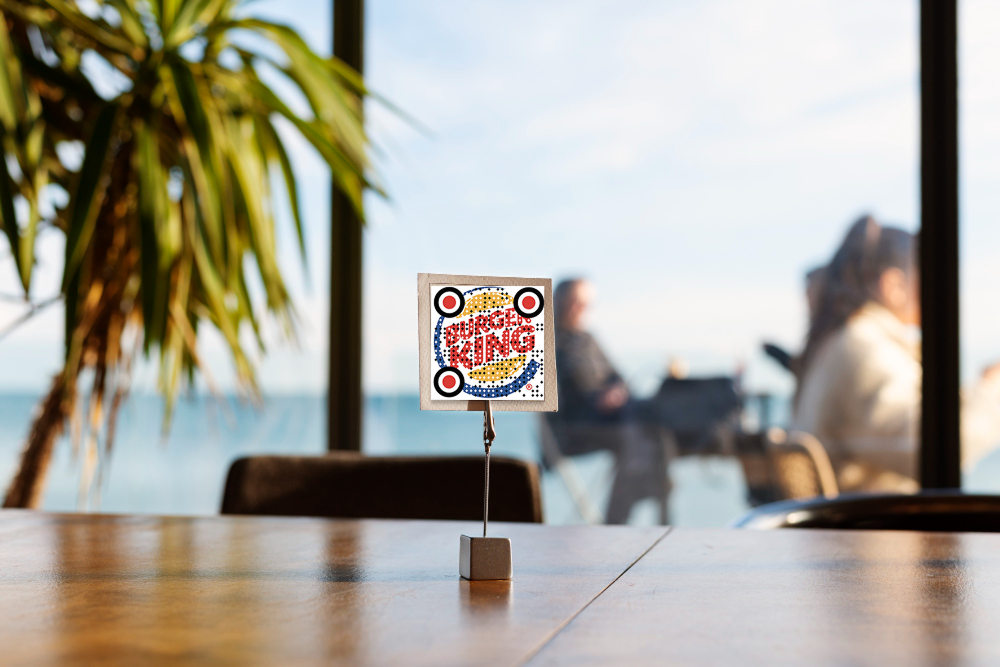
Customizing Wi-Fi QR codes enhances user experience and reinforces brand identity. With a WI-FI QR code design, you can incorporate logos, brand colors, and unique frame styles to make codes visually appealing and instantly recognizable. Templates and WI-FI QR code template options allow consistent styling across multiple codes, whether for guest networks, events, or marketing campaigns.
Key design considerations include:
- Logo integration: Embed your company or event logo without affecting scannability.
- Color schemes: Use branded colors to make codes recognizable and on-brand.
- Frame and style options: Add frames or shapes to highlight codes on printed or digital materials.
- Consistent templates: Ensure all QR codes share a uniform look across locations or campaigns.
- Image optimization: Export a high-quality WI-FI QR code image for print or online use.
Thoughtful design not only increases scan rates but also builds trust with users, making it clear that the network is secure and legitimate. By combining functionality with branding, QR codes become a seamless extension of your company’s digital presence.
Best Practices and Security Tips
Ensuring safe and efficient Wi-Fi access via QR codes is crucial for both businesses and home networks. Using a WI-FI password QR code or guest WI-FI QR code solutions allows quick connection, but proper security measures should always be considered. Following best practices helps prevent unauthorized access and protects sensitive network information.
Key tips for secure Wi-Fi QR code deployment:
- Use strong passwords: Even when sharing via QR codes, ensure the network uses WPA2/WPA3 encryption.
- Limit access: For guest networks, consider creating temporary credentials or using dynamic QR codes that expire after a set period.
- Monitor scans: Track usage where possible to identify unusual activity on the network.
- Educate users: Remind staff and guests to avoid sharing QR codes publicly.
- Regular updates: Rotate passwords or dynamic codes periodically to maintain security.
By combining convenience with security, Wi-Fi QR codes can streamline access without compromising the integrity of your network. Proper implementation ensures users can connect quickly while keeping your systems protected.
Frequently Asked Questions about QR Code Platforms for Wi-Fi Access Sharing
You can use a how to generate WI-FI tool or platform like ME‑QR to quickly create a QR code containing your SSID and password, allowing seamless device connections.